Selling online is no longer limited to one country. Customers visit your store from different regions, speak different languages and expect a shopping experience they understand.
Many WooCommerce store owners lose global sales because visitors cannot read product details or complete checkout with confidence.
When shoppers face language barriers, they leave the website and buy from competitors who offer localized stores. A single language store limits growth, trust and conversions.
WooCommerce makes it possible to build a multi language online store that serves international customers without rebuilding your website from scratch.
Key Highlights:
- Sell to international customers in their own language
- Expand globally without rebuilding your WooCommerce store
- Improve trust, SEO and conversion rates
- Offer local pricing, payments and shipping
A well structured multilingual WooCommerce online store helps customers understand products, pricing and policies in their own language. This builds confidence and supports long term brand success.
Nettsidedesign helps businesses build WooCommerce stores that support global expansion without technical complexity. In this blog, you’ll learn how to build a multi language WooCommerce online store for international customers step by step.
6 Steps to Build a Multi Language WooCommerce Store
WooCommerce recommends building multilingual stores using a structured system instead of adding random translation plugins later.
The most stable method uses WordPress Multisite combined with a multilingual solution, where each language works as its own store but remains connected inside one network.
This approach improves performance, SEO control and international scalability. Here is how to build a multilingual WooCommerce store step by step:
- Install WordPress on your website
- Enable and set up WordPress Multisite
- Install and activate WooCommerce
- Install and activate MultilingualPress
- Create separate sites for each language in the multisite network
- Add language pages and configure WooCommerce settings
Step 1: Install WordPress on your website
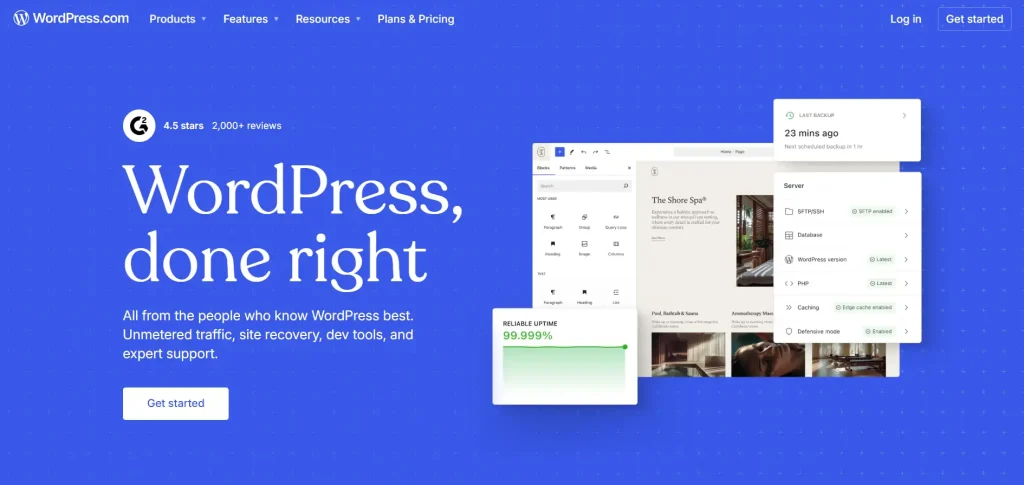
Start with a clean WordPress Installation on your hosting server. WordPress acts as the core system that manages your content, products and store functionality. It provides the flexibility needed to build and scale an international WooCommerce store.
Choose hosting that supports global traffic because international visitors access your store from different regions. A strong foundation prevents speed issues when you expand into multiple languages.
Step 2: Enable and set up WordPress Multisite
WordPress websites do not support multiple languages by default. WooCommerce suggests using Multisite, a built in WordPress feature that allows several websites to run under one installation.
In a multilingual setup:
- Each website represents one language
- All websites stay connected in one dashboard
- Admin controls everything from a single system
This structure removes the need to manage separate installations for every country.
Step 3: Install and activate WooCommerce
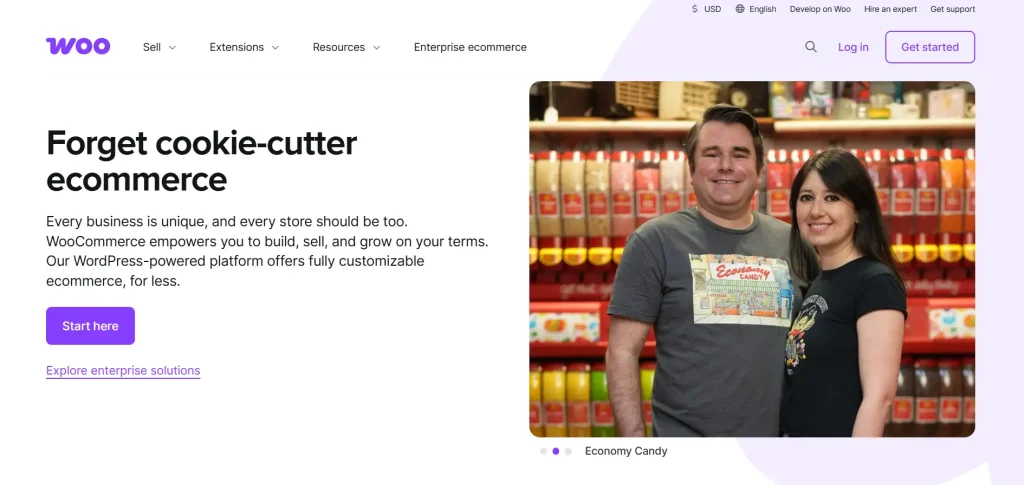
After creating the multisite network, install WooCommerce across the system. WooCommerce becomes the commerce engine that controls:
- Products
- Orders
- Checkout
- Payments
- Shipping
Each language store can later apply its own regional configuration while using the same WooCommerce foundation.
Step 4: Install and activate MultilingualPress
WooCommerce highlights MultilingualPress as an effective solution because it connects language sites instead of loading multiple languages on one website.
This approach keeps each language version independent while maintaining full control from one dashboard.
The plugin links:
- Products
- Pages
- Blog posts
- Store content
Each language loads only its own content, which improves loading speed and scalability for growing stores. It also helps store owners manage translations without affecting the performance of other language sites.
Step 5: Create separate sites for each language in the multisite network
Next, create a separate site for every language inside the multisite network. For example:
- yourstore.com/no
- yourstore.com/en
- yourstore.com/de
Each language site works independently. You can customize design, legal settings or features depending on regional requirements while keeping everything connected.
This flexibility allows businesses to adapt stores for different markets without affecting other languages. It also makes future expansion easier when you plan to enter new international markets.
Step 6: Add language pages and configure WooCommerce settings
The final step connects translated content with your store operations and completes your multilingual WooCommerce setup. Creates dedicated language versions for your essential store content, including:
- Products
- Categories
- Pages
- Navigation menus
Make sure every language provides the same shopping journey so customers can browse, understand products and complete purchases without confusion.
Configure WooCommerce settings separately for each language store based on regional requirements, such as:
- Currency
- Shipping methods
- Payment options
- Taxes
This allows customers to view pricing, delivery options and payment methods that match their local market expectations. WooCommerce enables each language version to operate with its own regional configuration while remaining connected within one global store network, ensuring smooth management and scalable international growth.
What Plugins are used for WooCommerce Translation?
These plugins are designed specifically to make your entire WooCommerce store multilingual, including products, carts, checkout and more:
- WPML (WordPress Multilingual Plugin)
- Polylang (with WooCommerce add on)
- Weglot
- TranslatePress
Other useful translation options include:
- GTranslate
- ConveyThis
- WPGlobus
Benefits of a Multi Language WooCommerce Store
A multi language WooCommerce store helps businesses move beyond local markets and connect with customers worldwide. When visitors can browse and shop in their preferred language, they feel more confident and trust your brand faster.
Here are the main benefits of building a multilingual WooCommerce store:
Reach International Customers
A multilingual store allows people from different countries to understand your products and services. This expands your customer base without creating separate websites.
Increase Conversion Rates
Customers feel comfortable buying when product details, policies, and checkout steps appear in their own language. Clear communication leads to more completed orders.
Improve Customer Trust
Languages create familiarity. When shoppers read content in their native language, they trust the store and spend more time exploring products.
Better International SEO Visibility
Search engines rank language specific pages for regional searches. A multilingual setup helps your store appear in country based search results.
Reduce Cart Abandonment
Many users leave during checkout due to confusion. Translated checkout pages remove uncertainty and help customers finish purchases.
Support Local Shopping Experience
You can combine language with local currency, shipping options and payment methods. This creates a shopping experience that feels native to each market.
Strong Brand Growth
A global ready WooCommerce store positions your business as an international brand and opens long term expansion opportunities.
Easier Market Expansion
Once the multilingual structure is ready, adding new countries or languages becomes simple and manageable.
Mistakes You Should Avoid
Many stores struggle with multilingual setups because of preventable issues. Avoid these pitfalls:
- Relying solely on automatic translation
- Overlooking SEO settings for different languages
- Mixing up currencies across regions
- Neglecting the translation of the checkout process
- Placing the language switch in an inconvenient spot
Proper planning and a clear structure can prevent these problems and ensure a smooth multilingual experience.
Closing Thoughts
Building a multilingual WooCommerce store is not only about translation. It is about creating a shopping experience that feels local for every customer. A structured approach, correct tools and a clear localization strategy make international expansion achievable for any WooCommerce business.
Want to Build Your International WooCommerce Store?
Expanding your WooCommerce store to international markets requires the right setup from the start. A multilingual structure, SEO optimization and localized checkout help businesses attract customers from different countries without creating separate websites.
Nettsidedesign designs WooCommerce online stores that support multiple languages, currencies and global growth strategies. Our team focuses on performance, usability and scalable architecture. Contact us and let’s get started.
Key Takeaways
- Install WordPress with hosting that supports global visitors.
- Enable WordPress Multisite to manage multiple language stores.
- Use WooCommerce to handle products, orders and checkout.
- Install a multilingual plugin to connect the language or website.
- Create a separate site for each language or country.
- Translate products, pages and navigation menus.
- Set currency, shipping and payment options for each region.
- Keep language stores connected under one system.
- A structured setup supports international store growth.
FAQs
Can customers switch languages on the same store?
Yes, you can add a language switcher so users can choose their preferred language.
Will multilingual stores affect website speed?
A proper multisite setup helps to maintain store performance across languages.
Can I show different prices for different countries?
Yes, WooCommerce allows country based pricing through currency and pricing plugins.
How do I translate WooCommerce emails?
Multilingual plugins allow translation of order emails and customer notifications.
Can I add more languages later?
Yes, you can add new language sites at any time within the multisite network.