Is your WooCommerce store losing sales without you even knowing it? A slow website creates frustration. Visitor click on your product, waits for it to load and then leaves. You spend money on design, ads and SEO, but speed problems push customers away.
Every extra second of load time can reduce conversions and damage trust. If your store feels slow, your growth will slow down too.
Speed is not only about user comfort. It affects search rankings, customer trust and sales results. When your store loads fast, users stay longer, explore more products and complete their purchases.
Key Highlights:
- Speed affects sales, trust and SEO.
- Optimize images, caching and code.
- Use lightweight themes and essential plugins.
- CDN and database optimization improve performance.
Nettsidedesign helps businesses build a WooCommerce online store that is fast, stable and built for growth. In this blog, you’ll learn why speed is important, its reasons and how to optimize your WooCommerce store for speed.
Why Speed is Important for a WooCommerce Store?
Speed shapes first impressions. When users land on your store, they decide within seconds whether they trust it. If the page loads fast, they continue. If not, they leave. Here is why speed is important:
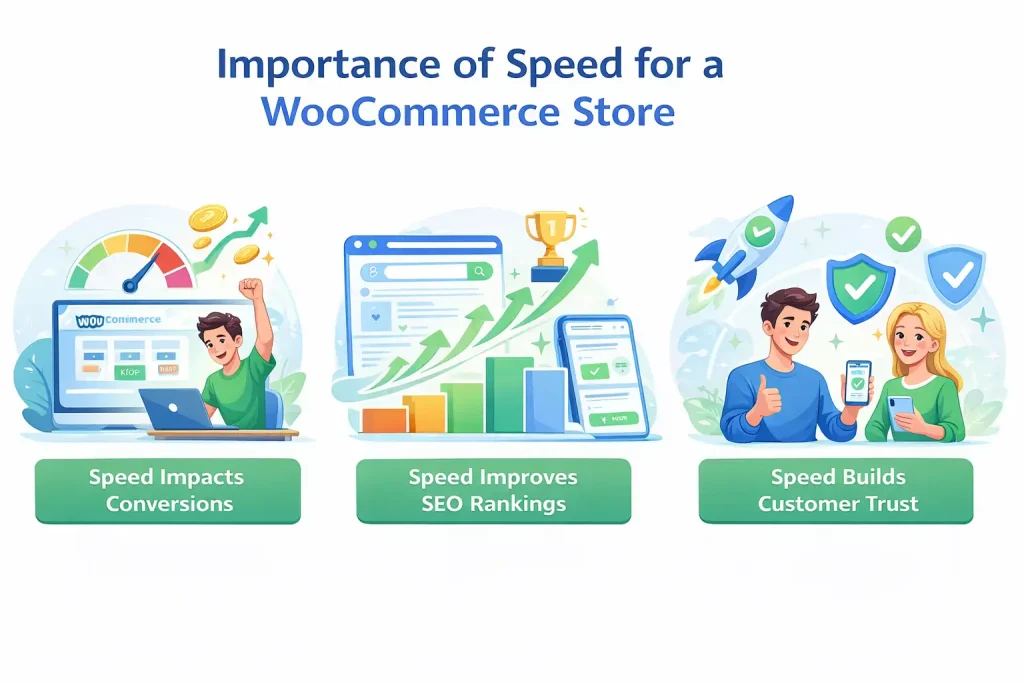
Speed Impacts Conversions
Speed affects conversions. When product pages load without delay. Customers can browse with ease. They move from product to cart and from cart to checkout without interruption. If the process slows down, they hesitate. Even a short delay during checkout can increase cart abandonment. A fast store removes friction and supports buying decisions.
Speed Improves SEO Rankings
Search engines also care about speed. Google uses page performance as a ranking factor. If your WooCommerce store loads faster than competitors, you gain an advantage in search results. Better rankings bring more organic traffic. More traffic creates more sales opportunities. Speed strengthens both visibility and revenue.
Speed Builds Customer Trust
Online shoppers associate performance with reliability. A store that loads fast feels secure and well maintained. Customers feel more confident entering payment details and completing transactions. When your WooCommerce online store delivers a smooth experience, it encourages repeat visits.
Common Reasons a WooCommerce Store Becomes Slow
Before you optimize, you must understand what causes the problem.
Poor Hosting
Cheap shared hosting cannot handle traffic spikes. WooCommerce needs strong server resources because it processes dynamic content, such as carts and checkouts.
Heavy Themes
Some themes look beautiful but include large scripts, sliders and unnecessary features. These increase load time.
Too Many Plugins
Each plugin adds code. Many store owners install plugins for small features. Over time, this slows down the website.
Large Images
High resolution product images without compression create heavy pages. Image size often becomes the biggest performance issue.
No Caching System
Without caching, the server builds each page from scratch for every visitor. This increases response time.
How to Optimize Your WooCommerce Store for Speed?
Improving WooCommerce speed requires a structured approach. Performance does not improve by installing one plugin. You need to optimize the server, code, media and database together. Below are the most important steps to make your store faster and more stable.
- Set Up a Strong Caching System
- Compress and Resize Product Images
- Clean and Optimize Your Code
- Deliver Content Through a CDN
- Clean and Maintain Your Database
- Use High Performance Themes and Essential plugins only
- Activate GZIP Compression
- Test and Track Performance
Step 1: Set Up a Strong Caching System
Caching reduces the work your server must do each time someone visits your store. Instead of generating pages again and again, caching stores ready versions of your pages and delivers them faster.
For WooCommerce, you should use:
- Page caching for static content
- Object caching for database queries
- Browser caching for repeat visitors
Popular caching plugins:
- WP Rocket
- W3 Total Cache
- LiteSpeed Cache
- WPSuper Cache
Be careful with the cart and checkout pages. These are dynamic and should not be cached incorrectly. A proper caching setup improves load time without breaking functionality.
Step 2: Compress and Resize Product Images
Product images attract buyers, but large files slow down your store. Many WooCommerce websites upload high resolution images without compression, which increases page size.
To improve performance:
- Resize images before uploading
- Compress files without losing quality
- Use modern formats like WebP
- Enable easy loading
- Avoid uploading 4000px images if your theme displays 800px
Optimized images improve load time on both desktop and mobile.
Step 3: Clean and Optimize Your Code
Every WooCommerce store loads CSS, JavaScript and HTML files. If these files contain extra spaces, comments, or unused code, they increase the file size.
You should:
- Minify CSS, HTML and JavaScript
- Remove unused scripts
- Defer non essential JavaScript
- Load critical CSS first
Reducing unnecessary code improves rendering speed and helps meet Core Web Vitals requirements.
Step 4: Deliver Content Through a CDN
A Content Delivery Network stores copies of your website across multiple global servers. When a user visits your store, the CDN serves content from the nearest location.
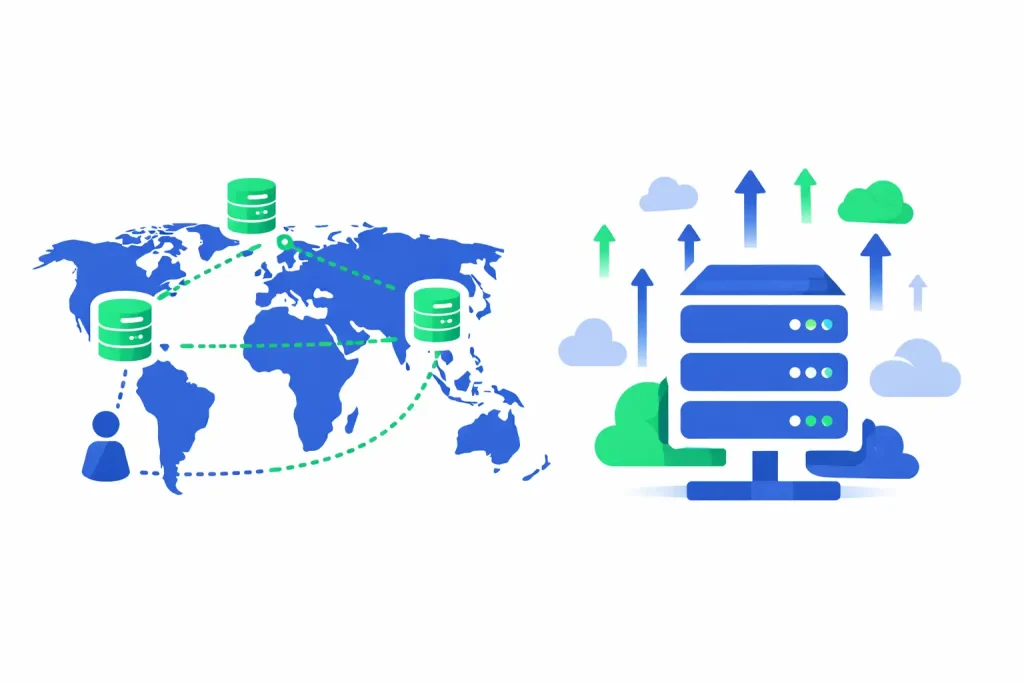
This reduces latency and improves load times for international visitors. It also reduces pressure on your main hosting server during traffic peaks.
A CDN is especially useful if you target customers outside Norway or expect seasonal traffic spikes.
Step 5: Clean and Maintain Your Database
WooCommerce stores collect a large amount of data: orders, product revisions, customer sessions and expired transients. Over time, this data slows down database queries.
You can improve performance by:
- Removing old revisions
- Clearing expired session data
- Deleting spam comments
- Optimizing database tables
A clean database ensures faster backend operations and smoother checkout processing.
Step 6: Use High Performance Themes and Essential Plugins Only
Themes and plugins heavily influence speed. Some themes include built in page builders, sliders and scripts that load on every page even when not needed. Choose a theme that focuses on performance and clean code.
Review your plugins and keep only what your store needs. Poorly coded plugins can create conflicts and increase server load. Test performance after installing any new plugin.
Step 7: Activate GZIP Compression
GZIP compression reduces the size of files that your server sends to a visitor’s browser. Instead of transferring full size CSS, JavaScript and HTML files, the server compresses them first. The browser then decompresses them after download. Smaller files travel faster, which improves page load time and overall performance.
When GZIP is enabled, CSS files become lighter, JavaScript transfers more efficiently and HTML responses shrink in size. Most modern hosting providers support GZIP and you can enable it through your hosting settings, server configuration or CDN dashboard.
Step 8: Track and Test Performance
Optimization does not end after setup. Updates, new plugins and traffic changes can affect speed. You should:
- Test speed on mobile and desktop
- Monitor Core Web Vitals
- Track server response time
- Review performance after major updates
Tools like PageSpeed Insights, GT metrix and Lighthouse help identify bottlenecks. Regular monitoring prevents small issues from becoming serious problems.
Speed optimization in WooCommerce requires technical balance. You must protect dynamic features like carts while improving static content delivery. When you combine caching, optimized media, clean code and strong hosting, your store performs better and supports higher conversions.
Closing Thoughts
Speed shapes the success of a WooCommerce online store. Many businesses focus on design and marketing but ignore performance. In my experience, even small technical improvements can create a clear rise in sales and user trust. A fast store feels professional. It gives customers confidence and removes buying hesitation. If you treat speed as a priority from the start, you avoid major problems later.
Ready to Speed Up Your WooCommerce Store?
If your store feels slow or struggles during traffic peaks, it is time to act. Performance issues rarely fix themselves. With the right strategy, you can improve speed, SEO rankings, and conversions at the same time.
Nettsidedesign builds WooCommerce stores that focus on performance from day one. Whether you need a full rebuild or technical optimization, our team ensures your store loads fast, runs smoothly, and supports long term growth. Contact us, let us help you turn speed into your competitive advantage.
Key Takeaways
- Website speed affects sales and customer trust.
- A fast WooCommerce store ranks higher in search engines.
- Strong hosting builds the foundation for good performance.
- Caching reduces server load and improves page load time.
- Optimized images reduce page size and improve user experience.
- Clear and minified code improves loading speed.
- A CDN delivers content faster to users in different regions.
- Database cleanup keeps checkout nd admin tasks smooth.
- Lightweight themes and fewer plugins prevent slowdowns.
- Regular performance testing helps you find and fix issues.
FAQs
What is lazy loading and does it help speed?
Lazy loading delays loading images or videos until they are visible on the screen, reducing initial page load time.
Will cleaning the database improve speed?
Yes, removing old orders, revisions and expired transients reduces database load and speeds up both frontend and backend.
Should I enable GZIP or Brotli compression?
Yes, both reduce file sizes sent from the server, which makes pages load faster.
Can too many scripts in a theme slow my store?
Extra JavaScript and CSS from themes can increase load time. Lightweight themes are better.
Are CDNs useful for small stores too?
Yes, even small stores benefit from faster content delivery and reduced server load.