Are you planning to start an online store but are unsure which platform will work best for your business? Many people have great product ideas, but when it comes to building the store, things become confusing.
Questions about website setup, payments and store management often make the process feel more difficult than it should be.
Shopify is one of the most widely used e-commerce platforms that helps businesses create and run online stores from one place. It gives you the tools to design your website, add products, accept payments and manage orders without dealing with complex technical work.
Key Highlights:
- Shopify helps businesses build and manage online stores
- You can create a store without coding knowledge
- The platform includes tools for payments, products and orders
- Shopify supports both small stores and growing e-commerce brands
Nettsidedesign helps a business to build a Shopify online store that is easy to manage. Our team focuses on clear design, strong store structure and a smooth shopping experience for your customers.
In this blog, you’ll learn what Shopify is, its important features, and whether it’s right for you and your online store.
What is Shopify?
Shopify is an e-commerce platform that allows businesses to create, manage and grow an online store from one system. Instead of building a website from scratch, store owners use Shopify to design their store, add products, process payments and manage orders. The platform handles many technical tasks such as hosting, security and updates.

Shopify launched in Canada in 2006 and has grown into one of the largest e-commerce platforms in the world. Today, millions of online stores operate on Shopify across more than 170 countries. Shopify gives businesses all the tools needed to sell products online in one place.
What Can You Do With Shopify?
Shopify acts as the control center of an online store. Once the store is created, business owners can manage almost every part of their e-commerce operations from a single dashboard.
With Shopify, you can:
- Create a professional online store
- Add physical or digital products
- Accept online payments from customers
- Manage orders and customer details
- Track inventory and stock levels
- Set shipping options and delivery rules
- Run marketing campaigns and promotions
This structure allows entrepreneurs to focus on growing the business instead of managing complex technology.
Important Features That Make Shopify Popular
Shopify became one of the leading ecommerce platforms because it combines simplicity, flexibility and reliability. Here are some of its most important features:
Easy Store Setup
Many e-commerce platforms require technical skills to build a store. Shopify focuses on Simplicity. Its interface allows business owners to create and manage stores without coding knowledge. This makes the platform attractive for entrepreneurs and small businesses.
Hosting and Security Included
Shopify hosts your website on its own servers. In these menus you do not need to manage web hosting, system updates or server performance. The platform also provides security protection and SSL encryption for online stores.
Large App Ecosystem
One of Shopify’s strongest advantage is its large ecosystem of apps and integrations. The Shopify App Store includes thousands of apps that extend store functionality. These apps can support marketing, SEO, shipping, customer service and many other tasks. This flexibility allows businesses to customize their store as they grow.
Multi channel Selling
Modern e-commerce does not happen in one place. Shopify allows businesses to sell across different channels, including:
- Online store websites
- Social media platforms
- Marketplaces
- Physical retail stores
All sales remain connected in one dashboard, which helps businesses track performance across channels.
Scalability for Growth
A major advantage of Shopify is its ability to support businesses at different stages. Small startups can launch their first store with basic features, while large brands can scale using advanced plans such as Shopify Plus. This makes Shopify a long term platform rather than a temporary solution.
Advantages of Using Shopify
Shopify offers several benefits that explain its popularity among e-commerce businesses.
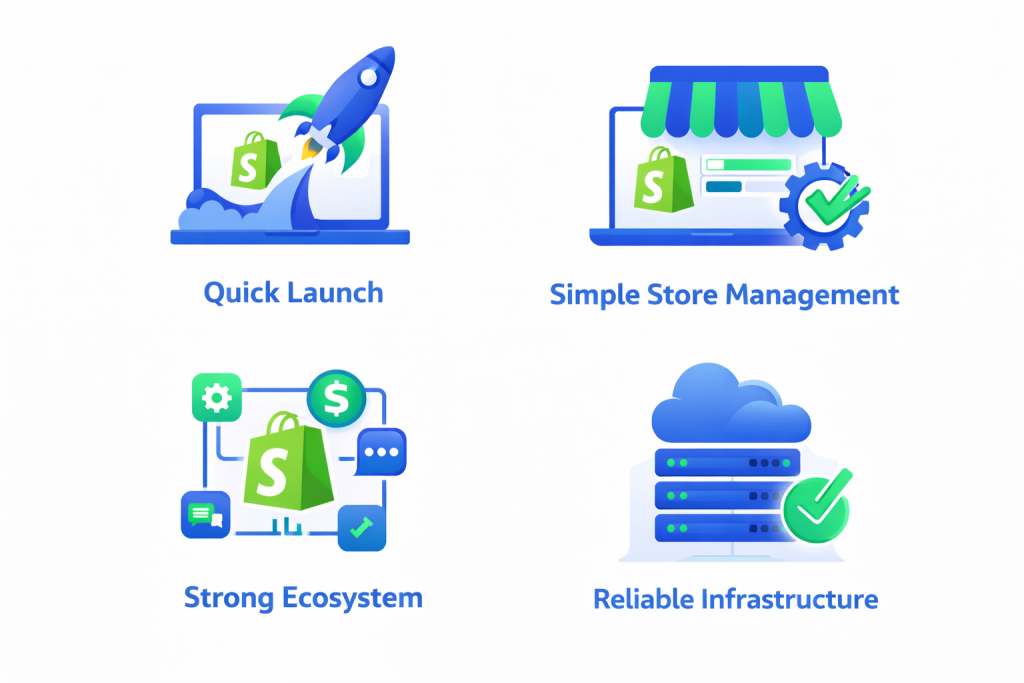
Quick Launch
Many online stores go live within a short time. Themes and built in tools reduce development time.
Simple Store Management
The dashboard gives a clear overview of products, orders and customers. This simplifies daily store management.
Strong Ecosystem
Developers, agencies and app providers form a large ecosystem around Shopify. Businesses can easily find tools and support.
Reliable Infrastructure
Shopify handles hosting, security and technical updates. Store owners do not need to worry about system maintenance.
Possible Limitations of Shopify
Although Shopify offers many advantages, it may not suit every type of business.
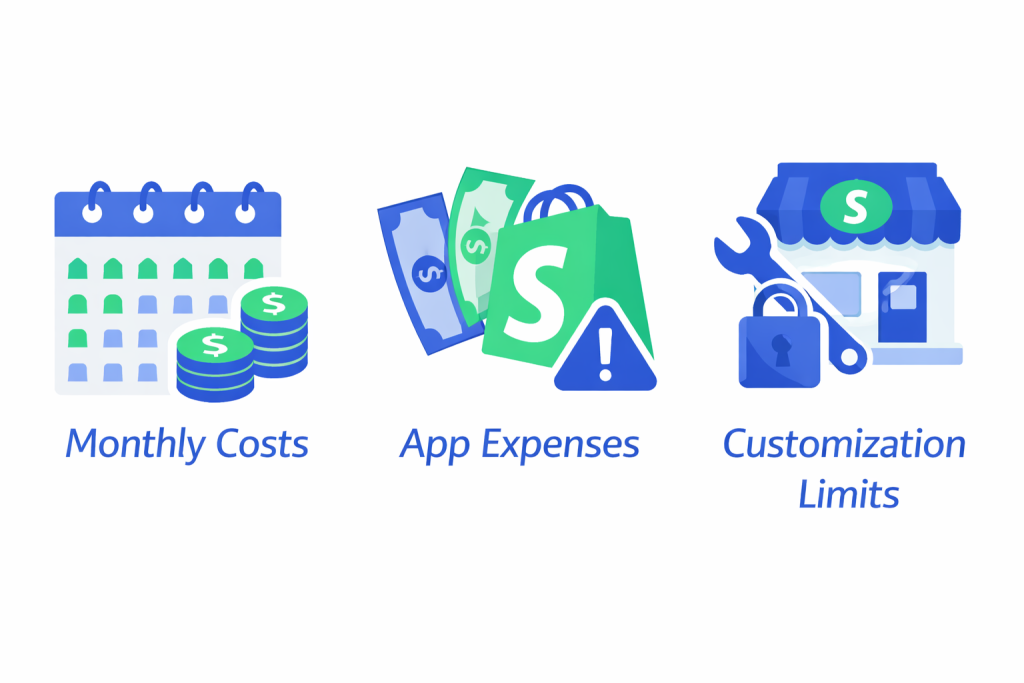
Monthly Costs
Shopify requires a monthly subscription. Some businesses prefer open source platforms without recurring fees.
App Expenses
Some advanced features require third party apps that add additional monthly costs.
Customization Limits
Developers can customize Shopify stores, but certain deep system changes may require specialized knowledge.
These limitations do not make Shopify a poor choice. They simply highlight the importance of choosing a platform based on business needs.
How does Shopify Work?
Shopify works as a subscription based platform. Store owners pay a monthly fee to access the e-commerce system and its features.
In return, Shopify provides a complete e-commerce solution. The platform handles hosting, security, updates and store infrastructure. You access everything through a web browser, so there is no need to install software on your computer.
Once you create an account, the process of building an online store usually follows a few steps.
1. Subscription Plans and Pricing
Shopify offers several pricing plans based on the needs of the store. The most common plans include:
- Basic Shopify (approximately $29 each month): Designed for new or small stores
- Shopify (approximately $79 each month): Suitable for growing businesses
- Advanced Shopify (approximately $299 each month): Built for stores with higher sales volume
Each plan includes essential e-commerce tools such as product management, order tracking and secure checkout. Higher plans offer additional features like detailed reports and lower transaction fees.
This pricing model allows businesses to start small and upgrade the plan as the store grows. Prices are usually in USD, so the final price in NOK may change based on the exchange rate and if Norwegian VAT is added.
2. Hosting and Domain Name
Når du bygger en butikk med Shopify, kjører nettside ditt på Shopify servere. Dette betyr at du ikke trenger å kjøpe separat hosting eller administrere servervedlikehold.
Shopify tilbyr også gratis SSL sikkerhet, som sikrer at kundedata og betalinger forblir beskyttet. Hver butikk får et standard Shopify-domene, for eksempel:
dinbutikk.minshopify.com
De fleste bedrifter kobler imidlertid til sitt eget domenenavn, for eksempel:
dinbutikk.no
Dette skaper en mer profesjonell merkevaretilstedeværelse.
3. Store Setup and Design
After creating an account, the next step is to design the store. Shopify provides many ready made themes that control the layout and appearance of your website.
These themes are responsive, which means they adapt to mobile phones, tablets and desktop screens. Store owners can customize themes by changing:
- Colors
- Fonts
- Images
- Homepage sections
- Navigation menus
The platform uses a visual editor, so you can preview changes while building the store. For many businesses, this makes the design process simple and quick.
If you want a more unique store, you can also build a custom Shopify design. A custom store allows you to create a layout that fits your brand, products, and customer journey.
4. Adding Products and Managing Inventory
Once the store design is ready, you can start adding products. Each product page includes important information such as:
- Product title
- Description
- Images
- Price
- Stock availability
Shopify also allows businesses to create product variants, such as different sizes or colors. Products can be organized into collections, which help customers browse categories easily.
The system tracks inventory automatically. When a product sells, the platform updates the stock level in the dashboard.
5. Payment Solutions
Payment processing is one of the most important parts of any online store. Shopify supports many payment methods, including credit cards and digital payment solutions.
The platform also offers its own system called Shopify Payments, which allows stores to accept card payments without extra transaction fees from Shopify.
Businesses can also connect to external payment providers if they prefer other payment options. This flexibility allows stores to serve customers from different countries and with different payment preferences.
6. Shipping and Delivery Setup
Shopify includes tools for setting up shipping rates and delivery options. Store owners can create shipping rules based on factors such as:
- Delivery location
- Order value
- Product weight
For example, a store may offer:
- Fixed shipping prices
- Free shipping for large orders
- Calculated shipping based on destination
Shopify also integrates with shipping services through apps. These integrations can automate label printing, delivery tracking and shipping cost calculations.
7. Taxes and VAT Settings
Online stores must also correctly manage taxes. Shopify allows businesses to configure tax settings according to the country where they sell. For example, stores can include VAT in product prices to calculate it at checkout.
This ensures customers see the correct price during the purchase process. The platform also helps generate invoices and reports that businesses can use for accounting and tax reporting.
8. Sales Channels and Marketing Tools
Shopify does more than host a single online store. The platform allows businesses to sell products through multiple channels, including:
- Their e-commerce website
- Social media platforms
- Online marketplaces
- Physical retail stores
All sales remain connected in the same dashboard. This makes it easier to track orders, manage inventory and monitor store performance.
Shopify also includes built in marketing features such as email campaigns, blog publishing and SEO settings that help businesses to attract more visitors.
Who Should Use Shopify?
Shopify works well for many types of businesses.
- New E-commerce Entrepreneurs: People who want to start selling online without technical complexity often choose Shopify.
- Growing Online Stores: Businesses that expect growth benefit from Shopify’s scalable structure.
- Retail Stores Moving Online: Physical stores can create an online presence while managing inventory from one system.
Dropshipping Businesses: Shopify integrates with many dropshipping tools that help automate product sourcing and order fulfillment.
Shopify vs Other E-Commerce Platforms
Many businesses compare Shopify with other ecommerce solutions. Here are a few differences:
| Feature | Shopify | Open Source Platforms |
|---|---|---|
| Setup | Simple and fast | Requires technical setup |
| Hosting | Included | Managed separately |
| Maintenance | Handled by platforms | Managed by the store owner |
| Customization | Moderate | Very flexible |
The best choice depends on business goals, technical resources and growth plans.
When Shopify May Not Be the Best Choice
Shopify works well for many online stores, but it may not fit every business. Some companies have technical or operational needs that require a different type of e-commerce platform.
For example:
- Businesses that need full control over the website code
- Companies that run highly complex or custom e-commerce systems
- Hobby stores that sell only a few products and want a very simple setup
In these situations, an open source platform or a custom built e-commerce solution may provide more flexibility and control.
Is Shopify Right For Your Online Store?
Choosing an e-commerce platform is an important decision. Shopify works well when you want:
- A reliable store platform
- Easy store management
- Integrated payment tools
- Fast website launch
However, businesses with unique technical needs or complex store structures may explore other solutions.
The key is to evaluate your business goals, budget and technical resources before choosing any e-commerce platform.
Closing Thoughts
Choosing an e-commerce platform is one of the most important decisions for an online business. Shopify gained popularity because it removes many technical barriers that once made e-commerce difficult. The platform offers a balanced mix of simplicity, powerful tools and growth potential. It may not be the perfect solution for every store, but it provides a strong foundation for many e-commerce brands.
Build a Shopify Online Store With Nettsidedesign
Creating a successful online store requires more than choosing the right platform. Your store must also deliver a strong user experience, clear structure and reliable performance.
Nettsidedesign helps businesses design and build Shopify online stores. Our team focuses on store structure, design quality and ecommerce functionality so your website works for both your business and your customers.
If you plan to launch a new Shopify store or improve your existing e-commerce website, our experts can guide you through the process and help you build a store that supports your business goals. Contact us and let’s get started.
Key Takeaways
- Shopify is a platform that helps you create and manage an online store.
- You can build a store and start selling without coding knowledge.
- Shopify includes hosting, security and updates in the platform.
- Store owners can add products, manage orders and track inventory from one dashboard.
- Shopify offers ready made themes to design a professional online store.
- Businesses can also create a custom Shopify store that fits their brand.
- The platform supports different payment methods for online purchases.
- Shopify allows stores to sell through websites, social media and other channels.
- The system works well for startups, retailers, and growing e-commerce businesses.
- A professional Shopify setup can improve store design, user experience and sales.
FAQs
Can Shopify handle a large number of products?
Yes, Shopify allows you to add thousands of products and manage them from one dashboard.
Does Shopify provide customer support?
Yes, Shopify offers support through chat, email and help guides to help store owners.
Can I connect my Shopify store to social media?
Yes, you can connect your store to platforms like Facebook and Instagram and sell products directly through them.
Is Shopify suitable for international shipping?
Yes, Shopify allows you to set shipping zones and delivery rates for different countries.
Can multiple people manage a Shopify online store?
Yes, Shopify allows you to add staff accounts so team members can manage orders, products or marketing tasks.