Building a website is no longer a technical task only for developers. Many small businesses, freelancers and startups now build their own websites using website builders. WordPress and Shopify are the two most popular options. Each serves a different purpose, but both help you create a professional website without complex coding.
This guide explains how to use WordPress and Shopify step by step. Whether you run a local business, an online store or a service company, this blog will help you choose and use the right builder.
Why are Website Builders Popular?
Businesses value efficiency, clarity and long term results. Website builders support these values. They save time, reduce cost and give control to the business owner. Here are the main reasons website builders are widely used:
- Easy to manage without a technical background
- Clear structure that users trust
- Mobile responsive design by default
- Support for GDPR and privacy rules
- Good base for SEO and local search
WordPress and Shopify both support language content, local payment options and SEO best practices.
Understand WordPress Before You Start
WordPress is a flexible system used for many types of websites. It is often used for company websites, consultants, agencies, blogs and service based businesses.
One strong reason to choose WordPress is ownership. You own your website, your content and your data. This matters for businesses that plan to grow and invest long term.
There are two versions of WordPress:
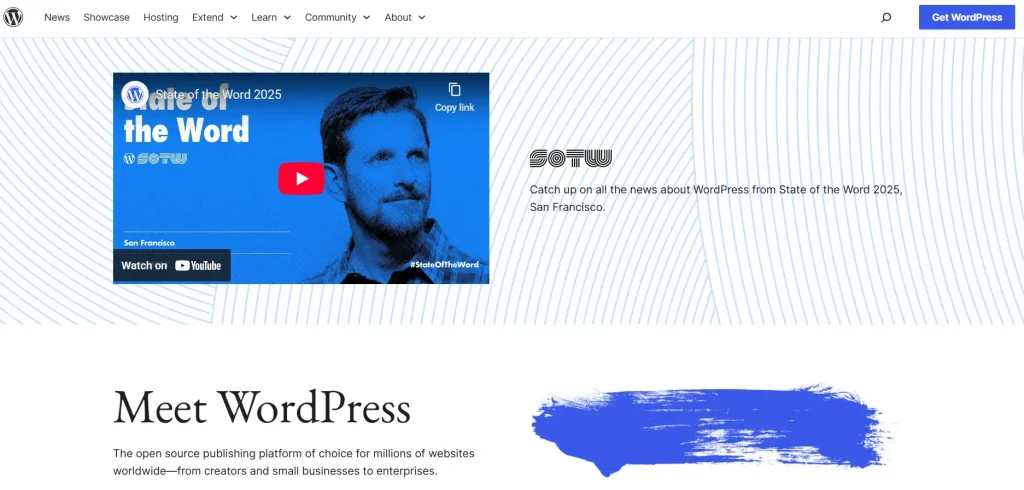
WordPress.org: Installed on your hosting
WordPress.com: Hosted and limited
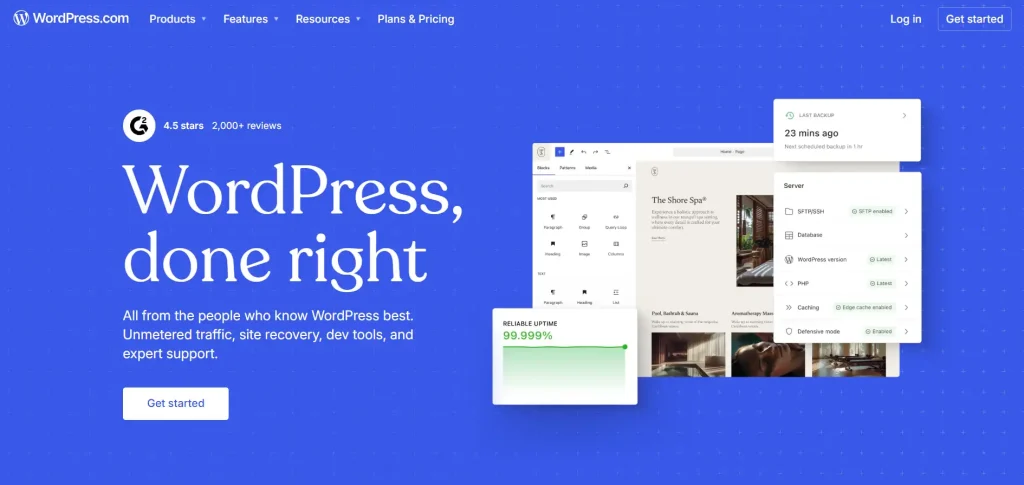
For most businesses, WordPress.org is the best option. It gives freedom in design, SEO, and functionality.
WordPress also has a large ecosystem. You can find themes and plugins for almost any business need.
How to Use WordPress?
Here are the following steps to start your WordPress website:
1. Choose a Domain Name and Hosting
Start by selecting a domain name. Norwegian businesses often use .no domains because they build trust with local users.
Next, choose a reliable hosting provider. Look for:
- Servers in Europe
- Good loading speed
- SSL certificate
- Daily backups
Many hosting providers offer one click WordPress installation.
2. Install WordPress
Once hosting is ready, install WordPress from your hosting panel. The process takes only a few minutes. After installation, you can log in to the WordPress dashboard. This is where you manage pages, posts, and settings.
3. Pick a Theme That Fits Your Business
A theme controls how your website looks and feels. The design should feel calm, structured, and readable.
When choosing a theme, look for:
- Clean layout with space between sections
- Strong contrast for easy reading
- Clear navigation menu
- Fast loading time
- Full mobile support
Avoid themes with animations, sliders or heavy effects. These often slow down the website and reduce usability. Test the theme demo on mobile before installing it.
4. Create Important Pages
Every business website should include:
- Home page
- About page
- Services or products page
- Contact page
- Privacy policy (GDPR)
Write content depending on your audience. Keep sentences short and direct.
5. Install Essential Plugins
Plugins add features to your WordPress site. Only install what you need.
Useful plugin types include:
- SEO plugin
- Security plugin
- Cache plugin
- Contact form plugin
- GDPR consent plugin
Too many plugins can slow down the site, so keep the list short.
6. Set Up SEO Basics
Search engines help people find your business. WordPress gives good control over SEO when set up correctly. Focus on these basics:
- Clear page titles that explain the page
- Short and readable URLs
- One main topic per page
- Internal links between related pages
Write content that answers real questions. Users value honest information. Do not copy text from other websites. Original content builds trust and rankings.
7. Publish and Maintain
Before launch, check:
- Mobile view
- Page speed
- Contact forms
- Spelling
After launch, update the content after some time. Fresh content helps trust and visibility.
Understand Shopify Before You Start
Shopify is made for selling online. It suits businesses that want a stable and easy way to manage products, orders and payments. Shopify handles technical tasks like hosting, security and updates. This reduces risk and saves time.
It also supports payment solutions and shipping integrations. This makes the buying process smooth for local customers. Shopify works well for:
- Online stores
- Product based brands
- Subscription services
- Dropshipping businesses
How to Use Shopify?
Here are the following steps to start a Shopify online store:
1. Create a Shopify Account
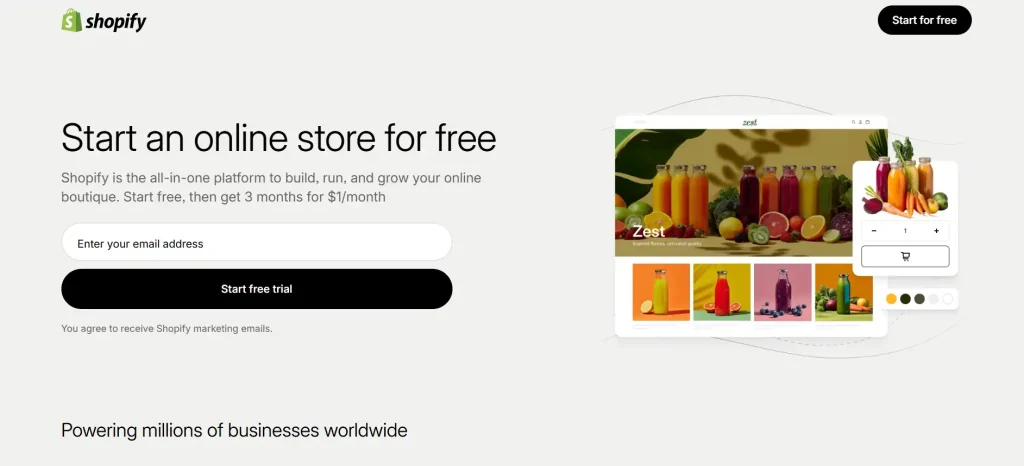
Start by creating a Shopify account. You only need an email address and a store name. This store name can be changed later, so do not overthink it at this stage.
After signing up, Shopify opens a setup guide. This guide helps you configure the store step by step. Follow it carefully, as it covers the basics you need before launch.
You can connect a .no domain later. Many businesses prefer this because it builds local trust.
2. Choose a Store Theme
The theme controls how your store looks. Many users expect clean design and easy navigation. Choose a theme that feels calm and structured.
When selecting a theme, focus on:
- Clear product layout
- Simple navigation menu
- Strong mobile experience
- Fast loading pages
Avoid themes with heavy visuals or complex layouts. Simple design helps users focus on products and checkout. You can customize colors, fonts and layout without code.
3. Add Products
Products are the heart of your store. Each product page should answer common customer questions. For every product, include:
- Clear product title
- Short description that explains what it does
- Bullet points for size, material or usage
- High quality images with a neutral background
- Price shown clearly
Customers value honesty. Do not exaggerate product benefits. Clear information builds trust.
4. Organize Products into Collections
Collections help users find products faster. They also help search engines understand your store structure. Examples of collection:
- New arrivals
- Best sellers
- Product categories
- Seasonal products
Keep collection names simple and clear. Avoid creative names that confuse users.
5. Set Up Payments
Payment setup is important for conversion. Shopify supports several payment options that work well in Norway. Popular choices include:
- Card Payments
- Vipps
- Stripe
- Klarna
Enable the payment methods your customers trust. Fewer steps in checkout increase completed orders.
6. Configure Shipping
Clear shipping rules help customers feel confident before they buy. In Shopify, you can set shipping rates based on location, package weight, or total order value. This allows you to match delivery costs with real shipping needs.
Customers expect clear and fair shipping options, so keep the setup simple and easy to understand. Always show delivery time and shipping cost before the customer reaches checkout. Hidden fees often cause people to leave the cart.
7. Set Up Taxes and Legal Pages
Norwegian online stores must follow VAT and privacy rules. Shopify makes this setup simple. Add required pages:
- Privacy policy
- Terms and conditions
- Return and refund policy
These pages are not optional. They protect both the business and the customer.
8. Optimize Your Store For Search Engines
SEO helps customers find your products on Google. In Shopify, focus on:
- Clear product titles
- Short and readable URLs
- Helpful product descriptions
- Internal links between collections
Write content for people first. Clear language performs better than keyword heavy text.
9. Test the Store Before Launch
Before launching, test everything from a customer’s view. Check:
- Product pages
- Add to cart function
- Checkout process
- Payment confirmation emails
- Mobile experience
Fix small issues before launch. First impressions matter.
10. Launch and Improve
After launch, track how your store performs. Shopify shows clear reports for sales, traffic and customer behavior. These insights help you understand what works and where users face problems.
Use this data to improve product pages, adjust pricing, refine collections and fix checkout issues. Small changes over time help increase sales and create a better shopping experience.
Common Mistakes to Avoid
Many websites fail not because of the platform, but because of avoidable mistakes. Even a great WordPress website, WooCommerce online store or Shopify online store does not perform well if these issues are ignored.
Common mistakes include:
- Too much text on one page, which overwhelms visitors
- Unclear call to action buttons that confuse users
- Poor mobile experience, making navigation difficult on phones or tablets
- Missing or hard to find contact information reduces trust
- Slow loading speed, causing visitors to leave before the page appears
- Overcomplicated menus or unclear site structure make it hard to find important information.
- Low quality images or inconsistent design, which affect professional appearance.
- Not following GDPR or local legal requirements, which can harm credibility.
Always review your website from a user perspective. Ask yourself if the important message is clear within the first few seconds, if navigation feels intuitive and if users can find what they need.
Regular testing and updates help avoid these common pitfalls and improve overall user experience.
Build a Website That Works For Your Business
Website builders are powerful, but support helps when you need custom design, you want strong SEO results and you plan long term growth. A professional team ensures the website supports business goals.
Our Nettsidedesign.no team designs and develops WordPress websites and WooCommerce online stores for businesses. We focus on design, content and user experience so your website supports growth and delivers real results. Contact us, let’s get started.
Key Takeaways
- Website builders help you create a professional website without technical skills.
- WordPress works best for business websites, services and content based sites.
- Shopify is a strong choice for selling products online.
- Mobile responsive layout is essential for all websites.
- Clear content helps users understand your offer faster.
- SEO basics improve visibility on Google over time.
- Clear shipping and payment options increase conversions.
- Legal Pages and GDPR compliance are important in Norway.
- Regular updates and small improvements lead to better results.
FAQs
Can I switch from WordPress to Shopify Later?
Yes, it is possible, but it requires migrating your content and products carefully. Planning helps make the transition smoother.
Do I need to know coding to use WordPress or Shopify?
No, both platforms are designed for users without coding skills. Basic customizations can be done using themes and built in tools.
How much does it cost to start a WordPress or Shopify website?
Costs vary depending on hosting, themes, plugins and apps. Shopify has a monthly subscription, while WordPress hosting is usually cheaper but requires a separate setup.
Is my website secure on WordPress or Shopify?
Yes, Shopify handles security automatically. For WordPress, you need to use SSL, security plugins and updates to keep your site safe.
Can I add a blog to my Shopify store?
Yes, Shopify allows a blog feature to share updates, guides or news alongside your products.