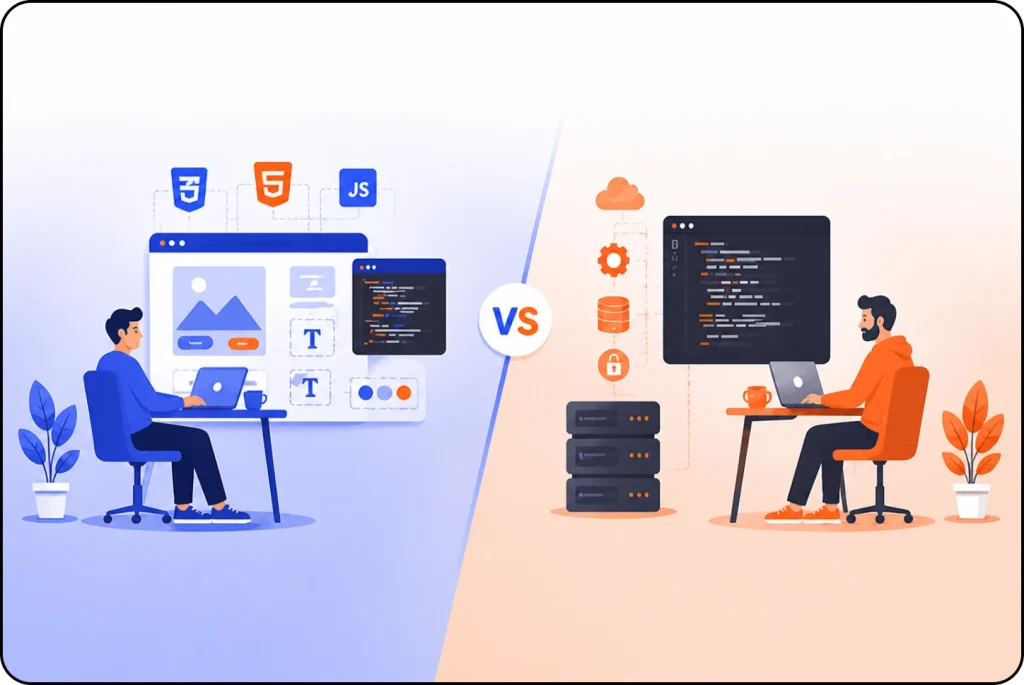
A strong blog supports your business, builds trust, and helps you reach the right customers. But your blog needs the right CMS. The CMS decides how simple it feels to publish posts, manage design, update plugins, and grow your website.
Businesses look for systems that stay secure, support SEO, load fast, and keep the cost fair. You also want a CMS you can manage without stress. This guide will explain the best CMS for blog, how they work for companies.
What You Should Look for in a Blog CMS?
Before we compare systems, let’s see what is important for a Norwegian audience:
Simple Publishing
You should add posts without touching code. The editor must feel smooth and clear.
SEO Control
Your CMS must give full control of titles, meta tags, URLs, and structured content. Search is a big traffic source for companies, so this matters a lot.
Good Performance
Fast loading helps users experience and helps you rank higher. Hosting and caching support make a difference.
Secure System
Security updates must come fast. A safe CMS protects your brand and your readers.
Easy Design Options
You need layouts that look clean on both desktop and mobile. Many readers come from mobiles.
Integration with Tools
You might need Google Analytics, newsletter tools, marketing platforms or webshop systems. Your CMS should support these.
8 Best CMS Platforms for Blogging
Here are the best CMS systems for blogging. All of them work, but each fits a different need.
- WordPress
- Ghost
- Webflow
- HubSpot
- Wix Studio
- Joomla
- Squarespace
- Drupal
1. WordPress
WordPress is still the strongest choice for blogs. Around half of the world’s blogs run on it. Many companies use WordPress because it gives full control and supports growth.
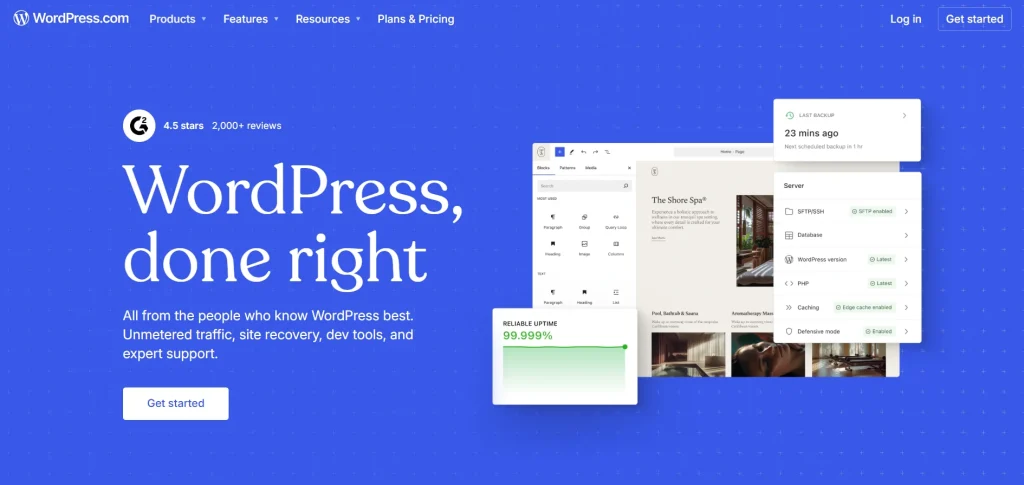
Best Features for Bloggers:
- Gutenberg editor keeps writing simple
- You can schedule content and manage categories with ease
- SEO plugins (Rank Math, Yoast) give full search control
- Thousands of themes help you shape the blog the way you want
Who Should Choose WordPress:
- Small and medium firms
- Digital news websites
- Businesses that want fast growth
- Companies that need SEO focus
If you want a flexible blog that supports your business long term, WordPress fits most needs.
2. Ghost
Ghost is built for writing. It feels clean, fast and gives a strong reading experience. Many creators, coaches and small companies like its simple workflow.

Why Ghost Stand Out:
- The editor feels smooth and distraction free
- SEO features come built in
- The system loads very fast
- Membership and newsletter sit inside the CMS
Perfect for:
- Creators
- Writers
- Coaches
- Solo businesses
- Companies that publish often
If your focus is pure content and speed, Ghost gives you a fresh writing space without the extra load of plugins.
3. Webflow
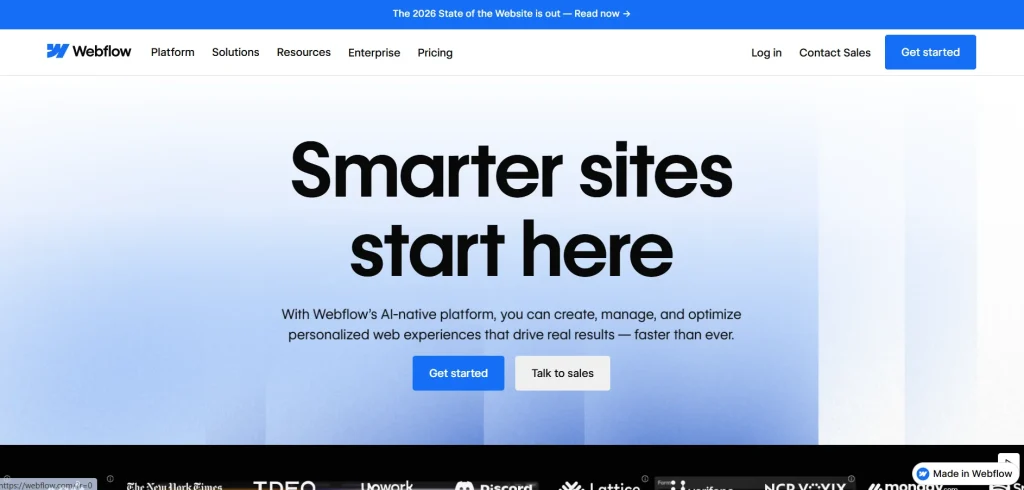
Workflow gives full design control without coding. Many designers and agencies use it because you can shape the website the way you want.
Why HubSpot Works:
- You get a clean, modern design
- You can adjust the layout for both desktop and mobile
- Hosting stays fast and secure
- Content editors can write without touching the design
Best for:
- Creative agencies
- Designers
- Companies that want a premium look
- Blogs where visuals matter
If branding and design matter more than plugins, Webflow is a strong option.
4. HubSpot CMS
HubSpot CMS connects your blog with your marketing tools. Many B2B companies use it because CRM, email, forms, and analytics sit in one place.
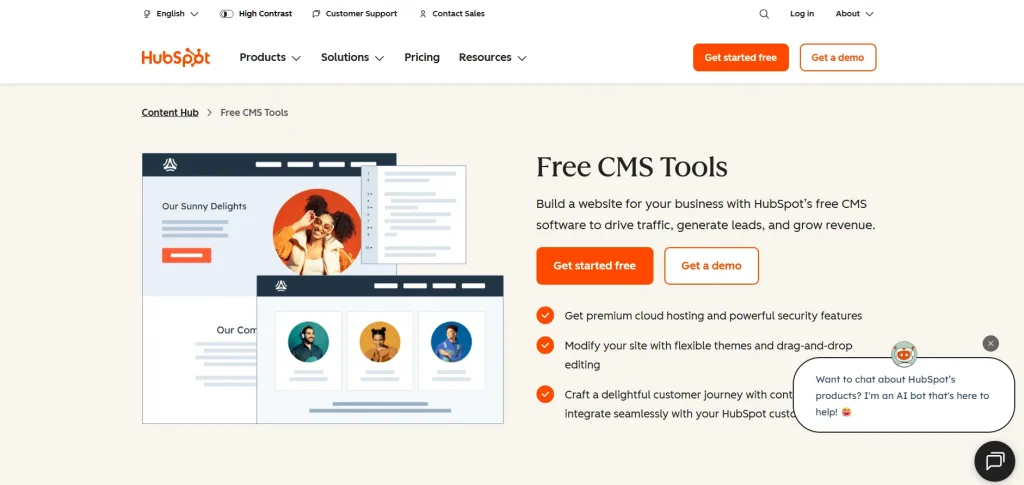
Why HubSpot Works:
- You track the full customer journey
- Built in SEO tools guide your writing
- Strong security
- Easy to manage if your team works with inbound marketing
Ideal for:
- B2B companies
- SaaS businesses
Companies that need CRM and marketing tools.
If your blog plays a role in lead generation, HubSpot CMS gives a complete system.
5. Wix Studio
Wix Studio gives you a clear and visual way to build a blog. It suits businesses that want strong design without coding. You work with ready layouts and adjust them to match your brand.
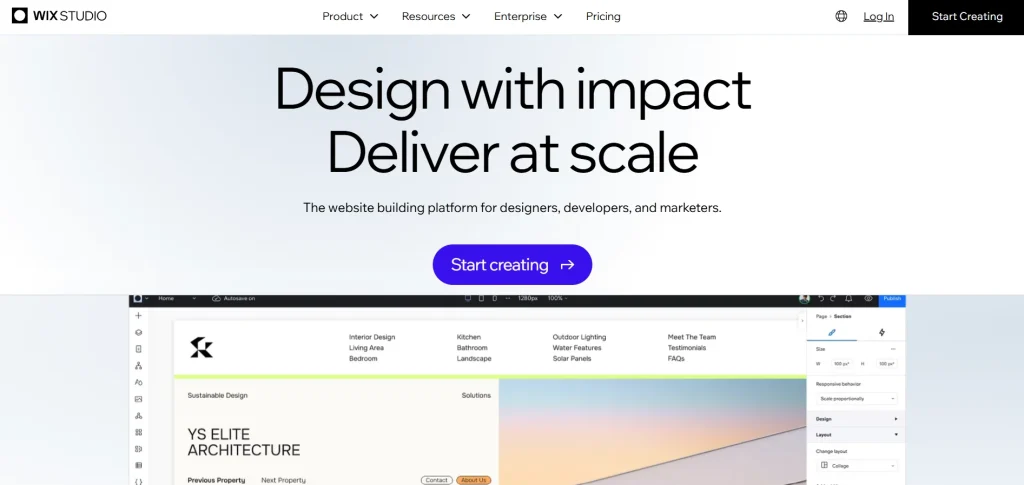
Why Wix Studio Stands Out:
- Clean templates that work for many industries
- Built in performance tools
- Hosting, security, and updates handled for you
- Good editor for teams that want simple workflows
Best for:
- Small and mid size businesses
- Local shops
- Personal brands
- Service providers that want a fast setup
6. Joomla
Joomla offers a strong framework, but it needs more technical knowledge. It fits companies with structured content and complex websites.
Why the Tech Team Chooses Joomla:
- Stable and secure system
- Flexible access control
- Works well for large content libraries
Best for:
- Public organizations
- Tech focused companies
- Large portals
If you have a technical team and need control, Joomla is a good match.
7. Squarespace
Squarespace offers a clean, modern design with easy editing. Many small businesses use it for portfolios, simple blogs, and branded websites.
Why Squarespace Works:
- Clean templates
- Simple editing
- Built in SEO basics
- Good for small content needs
Good for:
- Small local businesses
- Personal brands
- Creative freelancers
If you prefer a simple system that handles everything for you, Squarespace works well.
8. Drupal
Drupal stands out as a secure and structured CMS. Many organizations and larger companies use it because it handles complex content and strong permissions. Drupal needs technical knowledge, but full control over structure and security.
Why Drupal Works:
- Stable and secure core
- Good for large content libraries
- Strong access control for teams
- Built for custom functions
Best for:
- Public organizations
- Tech driven companies
- Large firms with internal teams
- Websites that need custom workflows
Drupal works if you run a content heavy website and need a CMS that supports complex structure and long term stability.
Ready to Build a Blog With the Best CMS?
Your blog can bring steady traffic, stronger trust and more customers. The right CMS helps you publish with ease and keep your website safe, fast and clear. If you want a blog that matches your brand, we can set up the full system for you. Our team builds clean layouts, strong SEO structures, and CMS setups that stay simple to manage.
Nettsidedesign.no helps businesses choose the right CMS and shape a blog that feels easy to use. We create designs that match your brand and set up tools that support growth. Tell us your goals, and we will build a blog that works as a strong part of your digital presence. Contact us and let’s get started.
Key Takeaways
- WordPress fits most businesses because it stays flexible and strong for SEO.
- Ghost works well for creators and writers who want a clean writing space.
- Webflow gives full design control without code and fits design focused brands.
- HubSpot CMS supports marketing teams that need CRM and blog tools in one place.
- Squarespace works well for small businesses that want simple and clean templates.
- Joomla fits large websites that need structure and a technical setup.
- Wix Studio gives small and mid size companies a simple and visual way to build a blog.
- Drupal supports big organizations that need secure and complex content systems.
FAQs
Do I need a developer to manage my blog CMS?
Not always. WordPress, Webflow, Wix Studio and Squarespace let you publish without technical skills. Drupal and Joomla need a technical team.
Which CMS gives the best SEO results?
WordPress and Webflow give strong SEO control. Ghost also gives clean output that search engines understand well.
Is a paid CMS better than a free CMS?
Not always. WordPress is free and still gives strong results. Paid CMS options offer support, built in tools, or hosting, but the best choice depends on your needs.
Which CMS is better for heavy content publishing?
Drupal, Joomla and WordPress handle large content libraries well. They support categories, tags and achieve that stay clear.