Learning web development opens the doors to many opportunities. If you want to create your own website, start a freelance career, or work in a tech company, the first step often seems confusing. Tools, coding languages , and design options may look endless. But with the right audience, you can continue with confidence.
In this guide, you’ll learn 8 tips for getting started with web development. These tips will help you focus on what really matters, avoid common mistakes, and build strong skills from the start.
Practical Web Development Tips for Beginners
Below are eight tips that will guide you step by step:
- Understand the Basics of the Web
- Choose the Right Tools
- Focus on One Language at a Time
- Build Small Projects
- Learn How to Debug
- Understand Responsive Design
- Explore Back-End Development
- Stay Consistent and Keep Learning
1. Understand the Basics of the Web
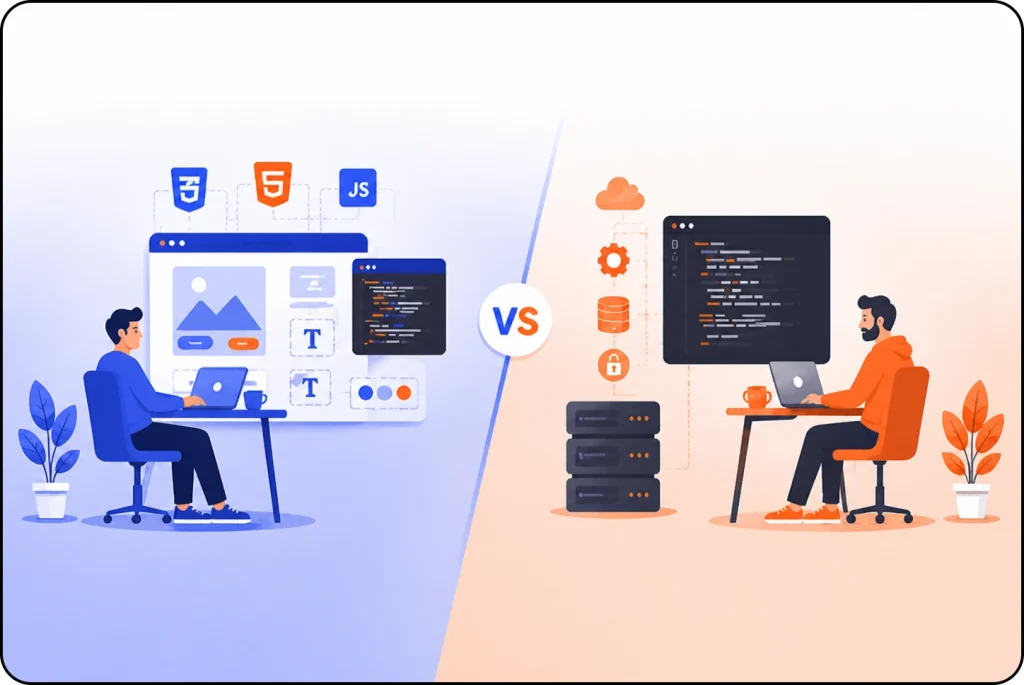
Beginners often want to start with frameworks or advanced tools, but that usually causes frustration. The smart way to start is to understand how the web works, and the basics should be understood. Each site you open in your browser is built on three pillars: HTML, CSS and JavaScript.
HTML is like a skeleton; It provides a page structure. CSS is skin and clothes; This does the page good with colours, writings and layouts. JavaScript is the brain and muscles; This allows the page to move, react and interact with users.
When you know how these three join, everything else becomes simple. Trying to decorate a house before making the foundation. It doesn’t work, so start with these basic things, experiment with them and don’t hurry. When you become comfortable, advanced tools will no longer feel difficult.
2. Choose the Right Tools
Good tools make learning and building websites easier. You do not need to spend money in the beginning because many powerful tools are free.
Here are a few tools every beginner should try:
- Code Editor: VS Code is the most popular choice. It highlights code and helps you spot errors.
- Web Browser: Google Chrome or Firefox is great for testing your work. They come with developer tools to inspect and debug code.
- Version Control: Git helps you track changes in your project. Platforms like GitHub allow you to store your projects online and collaborate with others.
Set up these tools and you’ll feel more comfortable working like a professional developer.
3. Focus on One Language at a Time
A common mistake among new students is trying to do too much at once. One day, they learn HTML, the next day, they jump to React, and then they switch to Python. It breaks and confuses progress.
The better way is to master a language or skill before going to the next. Start with HTML, as it is easy and gives quick wins. When you can create a basic web page, you can add CSS to make it professional. After that, bring your site into JavaScript to make it interactive.
With step by step, you create confidence and actually retain what you learn. Even experienced developers often return to these basic things because they are the basis for everything.
4. Build Small Projects
Web development is not a subject you can learn only by reading. You must practice and the best way to practice is through projects. Don’t wait until you know “enough”, start building from the very beginning.
Your first project can be as simple as a page with your name, a picture and some links. Then you can improve it by combining styles with CSS. Later, you can create a to-do app, a small calculator or a weather widget that fetches live data. Each project will challenge you in new ways and learn things that no tutorial could ever do.
It does not matter if these projects are simple. The important part is that you are applying what you learn. Many beginners get stuck because they only watch videos or read guides.
5. Learn How to Debug
Errors are part of coding. Each developer, even an experienced one, faces daily issues. In truth, debugging (finding and fixing errors) is one of the most important skill in web development.
You can improve the debugging process by using the following approaches:
- Use the browser developer tool to test what goes wrong.
- Read the error messages carefully rather than ignoring them.
- Break your code into small elements to test every section.
- Search for solutions on platforms like Stack Overflow when stuck.
The more you debug, the more confident you become. Don’t see errors as failures; see them as learning moments.
6. Understand Responsive Design
Today, most people browse on their phones, not their desktops. This means that your sites should work well on all devices, from small screens to large screens. This is the place where responsive design comes.
Responsible design ensures that your site adjusts to the user’s screen. You get it by learning CSS tools like Flexbox and Grid, which allow the layout to stretch or shrink. You also need to use media queries, which tell your browser how to show your site on unique display sizes.
Try to create an easy website and test it on a phone and a computer. If it appears broken on one device, alter the code till it really works anywhere. This practice will not only make your web page more professional, but will even prepare you for initiatives in real world projects, wherein the client expects their websites to work flawlessly on all platforms.
7. Explore Back-End Development
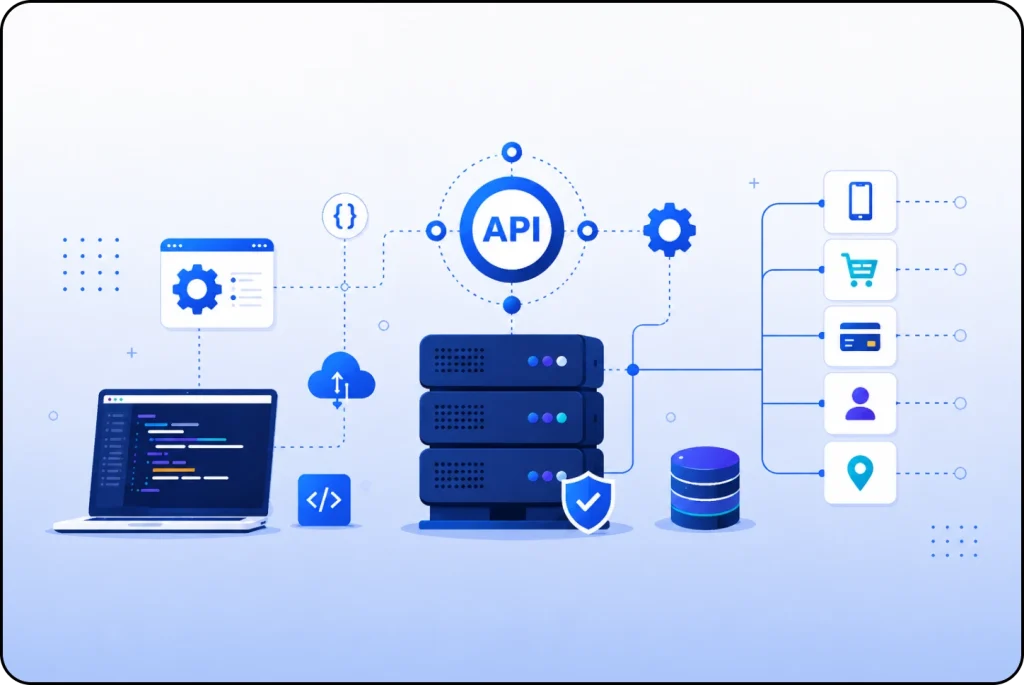
Once you’ve built a few front-end projects, you may want to take things further. That’s where back-end development enters. The back end is everything behind the scenes, which are the parts that users do not see, but every time they interact with your site, they trust.
For example, when someone signs up for the site, the backend stores their information in a database and checks it later when they log in. Without a back end, most websites will be nothing more than static pages.
Learn how a server works and how to handle the forms. Then, examine the databases and server site languages, such as Node.js or Python. You don’t have to become an expert overnight. Just getting to know these concepts will open a new side of web development for you.
8. Stay Consistent and Keep Learning
Web development is not something you learn in a week. This is a journey. Technology changes rapidly, and will always have new tools, frameworks and best practices. The one that matters most is consistency. If you do a small code every day, then just for 30 minutes, you will see stable progress. Join online communities where developers share knowledge.
Follow blogs and training programs from reliable sources. And most importantly, keep updating your portfolio with the projects you finish. Some days will look difficult, but you don’t have to stop. Progress in development comes from small, steady steps, not from hurrying. If you continue to learn, you will soon see how far you have come.
Start Your Web Development Project With Nettsidedesign.no
Starting with web development can take time, but you don’t have to do it alone. Nettsidedesign.no creates a website that reflects your business goals. From design to launch, we make sure your site looks professional and works well. Our focus is on creating websites that are easy to manage, ready to load faster and grow with your business.
You do not need stress on the technical side; We take care of this for you. If you want a strong online look that attracts customers, you can contact us, and together we can make your ideas a website that stands out.
Key Takeaways
- Learn the basics of how the web works with HTML, CSS and JavaScript.
- Use simple tools such as VS Code, Chrome and GitHub to start coding.
- Instead of trying to learn everything at once, you need to take one language at a time.
- Practice creating small projects such as a blog, to-do app or a photo gallery.
- Debugging is part of coding; Learn to read errors and fix them.
- Make your site responsive so that it looks good on the phone, tablet and computer.
- Explore back end development to understand how servers and databases work.
- Even for a short time, stay consistent with daily coding.
- Continue to learn new tools and trends in web development.
FAQs
Do I need a degree to become a developer?
No, many successful developers are self taught. Employers and clients often value your skills and portfolio more than formal education.
What are frameworks in web development?
Frameworks are ready made tools that make coding faster, like React, Angular or Vue.
How long does it take to learn web development?
If you practice daily, you can build basic websites within a few months. Becoming skilled takes longer, but progress depends on your consistency.
Should I learn design or coding first?
Begin with coding. Learn HTML, CSS and JavaScript. Later, add design knowledge to improve the look and feel of your websites.
Is web development only about coding?
No, it also includes design, testing, user experience and understanding how websites perform.