Figma, Adobe XD, Adobe Photoshop, Webflow and Sketch are some of the tools web design experts use daily to keep their work fast, clear and organized.
A lot of websites look polished when they go live. What people do not see is the daily work behind them. Designers need to plan layouts, test ideas, edit images, build pages and fix small issues every day. When the wrong tools are part of that process, the work gets slow very fast.
That is why experienced web designers do not depend on random apps. They stick to a few tools they trust. These tools help them save time, stay organized and create better websites without making the workflow harder than it needs to be.
5 Best Tools for Web Design
Here are the best tools for website design that help designers create better websites, manage work well and save time during the process.
1. Figma

Figma has become one of the most important tools in web design. Many designers use it every day for wireframes, page layouts, design systems, and feedback.
One big reason is collaboration. Figma makes it easy for designers, developers, and clients to work in the same file. Comments, updates, and reviews all happen in one place. That cuts confusion and saves time.
It also supports reusable components, shared libraries, and Dev Mode, which help teams move from design to development in a cleaner way.
This matters in real projects. A homepage is not just one screen anymore. It connects with mobile views, landing pages, content blocks, buttons, and brand styles. Figma helps keep all of that organized without making the workflow heavy.
2. Adobe XD

Adobe XD is known as a UI and UX design tool used for wireframes, screen design, and clickable prototypes. It helps designers map out how a website will look and how users will move through it.
Many designers have used Adobe XD to present ideas before development starts. It gives a clear view of page flow, button actions, and user journeys. That makes it useful in the planning stage of web design.
Even though many teams today prefer Figma for collaboration, Adobe XD still matters when talking about web design tools because it has been part of many professional design workflows for years.
3. Adobe Photoshop

Web design is not only about layouts and buttons. A lot of daily work happens inside images. Banners need cleaning. Product images need better backgrounds. Website visuals need resizing, sharpening, or object removal. That is where Adobe Photoshop still holds its place.
Adobe Photoshop is a professional image editing and design app across desktop, web, and mobile. It includes advanced selection tools, background removal, object cleanup, and detailed image control.
That makes Photoshop valuable in web design, even if it is not the main tool for layout design anymore. Designers still depend on it when a project needs polished visual assets. If the images are weak, the website feels weak too. Photoshop helps solve that part of the job.
4. Sketch

Sketch is not the newest name in web design, but it still matters. Many interface designers continue to use it because it stays focused on digital products and screen design. Sketch describes itself as a toolkit made by designers, for designers, and that focus shows in the product.
It is especially useful for teams that work mainly on Mac and want a dedicated design tool with prototyping and handoff features. Some agencies have moved to Figma for easier browser based teamwork, but Sketch still has a place in many workflows because of its clean interface and design first approach.
That makes it a realistic tool to include in this list. It may not lead every conversation now, but many professional designers still use it as part of their daily work.
5. Webflow
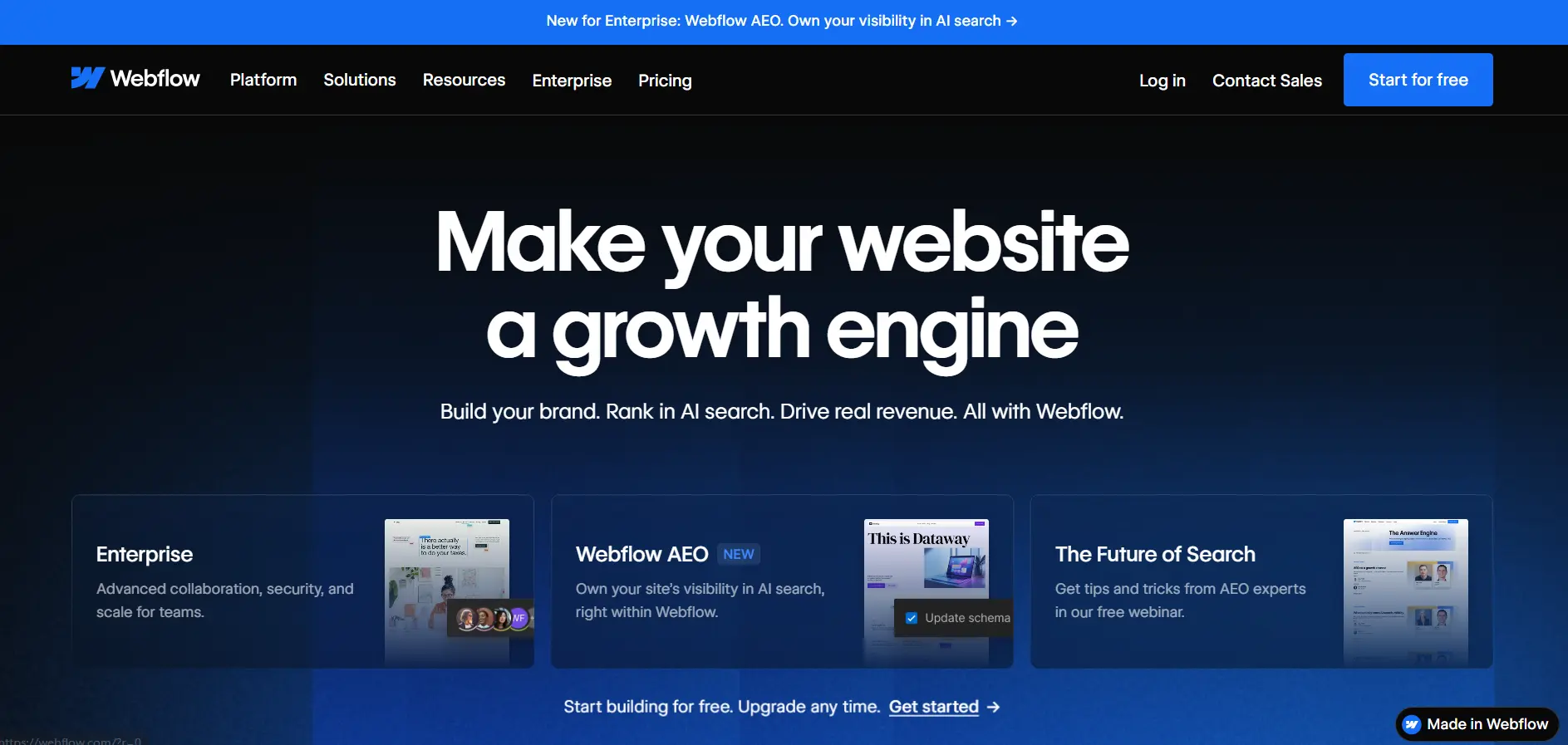
Webflow is now a daily tool for many web designers because it helps turn design into a live website much faster. It gives strong visual control, but it also includes it in one platform:
- Hosting
- CMS
- Features
- Security
- Team collaboration tools
It is trusted by more than 300,000 teams, which shows how widely it is used in modern website work.
For many designers, Webflow fills the gap between design and development. You can build responsive pages, manage content and publish updates without waiting on a long handoff process.
This is a big advantage for agencies, startups and businesses that want speed without losing design quality.
It also works well for marketing websites, service sites and content driven pages. When a team wants more control than a basic website builder but does not want a slow custom build for every page, Webflow becomes a very practical option.
Closing Thoughts
The best web design experts do not build their workflow around hype. They build it around tools that solve problems in daily work. That is what keeps the process smooth and the final website strong.
In my view, Figma, Adobe XD, Adobe Photoshop, Webflow and Sketch all matter because they cover different parts of web design. Some help with planning. Some help with visuals. Some help with building. Together, they show what a real web design workflow usually looks like.
Choose the Right Tools for Better Web Design
The tools used in a website project can shape the full result. They affect speed, design quality, teamwork and how easy the website is to update later. When the setup is right, the full process becomes easier for everyone involved.
Nettsidedesign focuses on web design that supports business goals, a clean user experience and long term growth. Good tools do not replace skill, but they do make good work easier to deliver. Contact us to get started.
Key Takeaways
- Figma is great for design and team collaboration.
- Adobe XD helps with wireframes and clickable prototypes.
- Adobe Photoshop is useful for image editing and visual quality.
- Sketch remains a strong tool for interface design.
- Webflow helps designers build and launch modern websites.