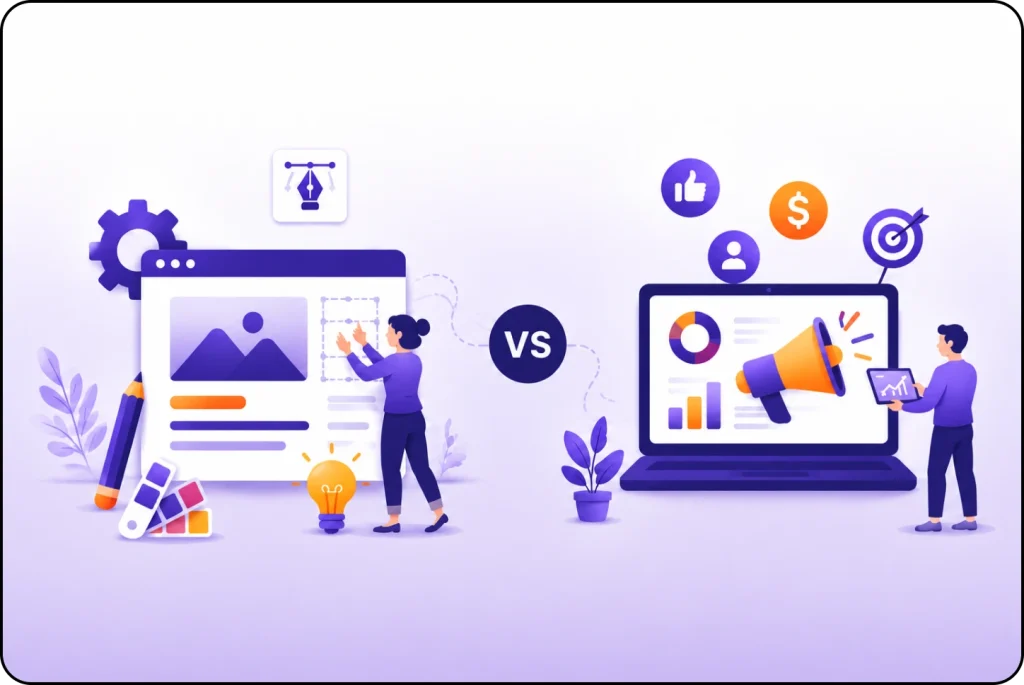
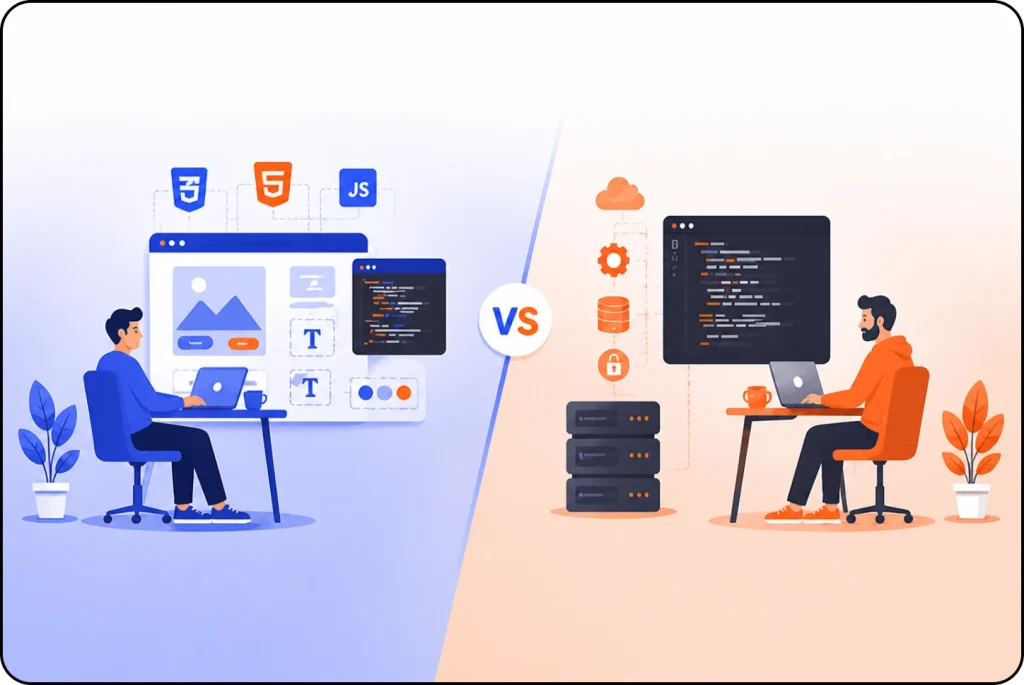
Website design and development sound like the same thing, but they’re not. Many people think so, especially when starting out. But these are two different roles. One handles how a website looks. The other builds how it works. Each one uses different tools and skills. Knowing the difference helps, not just for tech experts, but for anyone who wants to build, fix, or grow a website.
In this blog, we’ll explain what each role means, what designers and developers do, and why both are key to building a great website.
Designer vs Developer
Website Designer |
Website Developer |
| Works on creativity and brand style | Solves technical problems |
| Learns tools like Figma and Photoshop | Learns coding languages and frameworks |
| Doesn’t need to know much coding | Can specialize in front-end, back-end, or both |
| Ideal for artistic or visual thinkers
|
Ideal for logical, analytical thinkers |
What Is Website Design?
Website design is the process of planning and creating the look and layout of a website. It focuses on how the website looks to visitors and how easy it is to use. Website design includes choosing colors, fonts, images, page structure, and other visual elements that help users navigate the site.
Website design also involves creating a smooth user experience. That means planning how visitors move from page to page and helping them find what they need fast.
Role of website designer

A website designer plans how a website looks and works. They turn ideas into layouts, colors, and images that people see and use on the screen. A designer doesn’t write code. Their job is to make the site easy to use, good to look at, and aligned with the brand’s style.
Here’s a closer look at what a website designer actually does:
Layout
A website designer builds the layout of each page. They choose where to place the logo, menu, images, text, and buttons. Their goal is to guide people across the site without causing confusion.
Color Scheme
Color sends a message. A website designer picks colors that match the brand and sets the mood. A tech site may use cool blues for a calm look. A kids’ site may use bright colors to feel fun and playful.
Typography
Typography is the look of the text. A designer picks fonts that match the brand and stay easy to read. They set the size and spacing to help people scan text without effort. They also plan how text looks on different screen sizes.
UI Design
User Interface (UI) design includes all parts people touch or click. This covers buttons, forms, menus, sliders, and search bars. A designer puts these in places people expect. They keep the design simple and easy to use.
UX Design
User Experience (UX) design focuses on how the site works for users. A designer plans how visitors move through the pages and how fast they find what they need. They test the site and fix problems to make the visit better.
Mobile Design
Many people visit websites on their phones. A designer adjusts the layout, text, images, and buttons to fit smaller screens. They stack sections, remove extra parts, and place features where people can tap them easily.
Wireframes and Mockups
Before any code starts, a designer makes wireframes and mockups. These show how the website will look and work. Wireframes show the basic layout. Mockups add color, fonts, and real design features.
Tools for web Designing
- Figma.
- Adobe XD
- Canva
- Photoshop
- Sketch
What Is Web Development?
Web development is the process of building and maintaining websites. It includes everything that makes a website work. From the layout you see to the functions that run in the background.
Web development also means setting up the website’s server, handling its data storage, and keeping it safe from problems or attacks.
Web development has three main types:
- Front-end development builds what people see on the site. This includes text, images, menus, and buttons.
- Back-end development runs the behind the scenes parts. It connects the site to servers, databases, and logic.
- Full-stack development combines both. It covers everything from design to data.
Role of the Website Developer

Website developers build websites using code. They take designs and turn them into working pages that respond when people click or type.
Build the Design with Code
After the designer finishes the layout, the developer starts coding. They use HTML, CSS, and JavaScript to match the design. Every line of code follows the plan made by the designer.
Add Website Features
Developers add tools that help people use the website. These tools include forms, buttons, menus, carts, and login pages. Each one helps users take action.
Improve Speed and Function
Developers keep websites fast and smooth. They shrink image sizes, clean up code, and remove things that slow the site. They test each page and fix anything that causes delays.
Make It Work on All Devices
Developers adjust websites for different screen sizes. They fix layouts for phones, tablets, and computers. This keeps the content easy to read and use on any screen.
Find and Fix Errors
When a website stops working, developers look at the code. They find the problem and fix it. This helps the website run on all devices and browsers.
Tools for web Development
5 main tools used by website developers:
- Visual Studio Code
- GitHub
- Chrome DevTools
- Node.js
- React
Why You Need Both Design and Development
Think of a website like a car. The design is the body, the color, the seats, the dashboard, and the style. It’s what people notice first. The development is the engine, the wiring, the brakes, everything under the hood that makes it run.
The same goes for websites:
- Without design, a site looks plain and feels hard to use. People lose interest and leave.
- Without development, the site looks good but nothing works. Buttons do nothing, forms stay empty, and pages do not load.
You need both a designer and a developer to build a good website. Designers handle the layout and look. Developers build the parts that make it work. Together, they create a complete website that people can use with ease.
Key Takeaways
- Website design shapes how the site looks and feels. It covers layout, colors, and user experience.
- Website development builds the parts of the site that make it work using code.
- Designers use tools like Figma and Photoshop to plan how the site looks.
- Developers use code like HTML, CSS, and JavaScript to build each page.
- Both design and development are needed to make a site that looks good and works well.
- Designers focus on the brand, the layout, and how people move through the site.
- Developers handle features, page speed, and data systems.
- Choose a designer when you want visuals. Choose a developer when you need features.
FAQs:
Q1. What’s the difference between a website designer and developer?
A website designer works on how the site looks and feels. A website developer builds the site with code so it runs and loads.
Q2. Can one person do both website design and development?
Yes, many freelancers and small business owners learn both. These people are called full-stack developers or web generalists.
Q3. Do I need a designer or a developer first?
Usually, the designer goes first to plan the look. Then the developer builds the working version based on that design.
Q4. What is UI/UX design?
UI (User Interface) is the design of buttons, menus, and visuals. UX (User Experience) is how easy and enjoyable it is to use the website.
Q5. Is website development hard to learn?
It can be at first, but with practice and the right resources (like freeCodeCamp or Codecademy), anyone can learn how to develop websites.