If you are planning to start an online store, you will most likely compare Shopify and Wix. These two platforms are among the most popular choices for online stores. Both make it possible to sell online without advanced technical skills, but they are built for different types of businesses.
The right choice depends on where your business stands today. Some store owners need a simple and affordable start, while others need a platform that supports growth, traffic and daily sales.
In this guide, we compare shopify vs Wix in easy way to help you choose the platform that fits your goals.
What is Shopify?
Shopify is a platform built only for ecommerce. It helps you create, manage and grow an online store. Many stores use Shopify because it handles products, payments and shipping and inventory in one system.
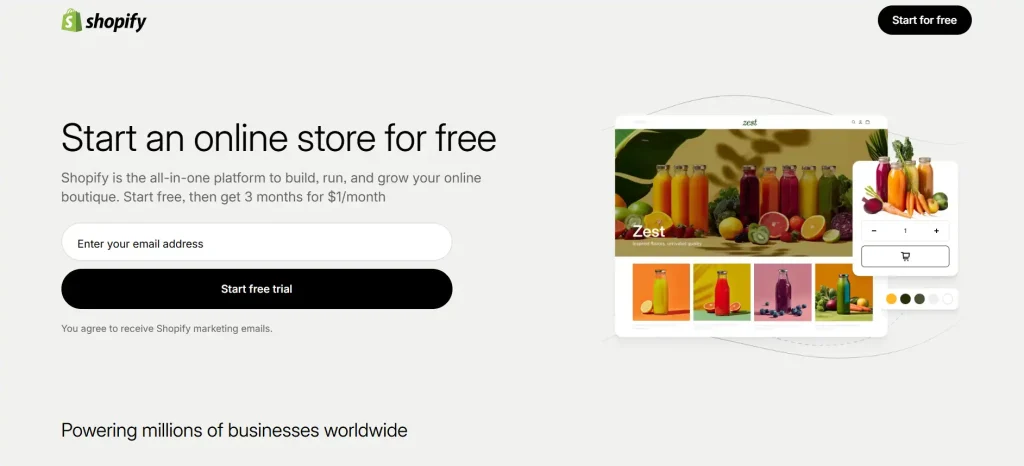
You do not need coding skills to start. Shopify gives you ready made store designs and tools that focus on selling.
Shopify online store works well for:
- Businesses that want to sell products online
- Stores that plan to grow over time
- Brands that need strong payment and shipping options
What is Wix?
Wix started as a website builder. Later, it added e-commerce features. Wix lets you build websites using a drag and drop editor. You can create blogs, portfolios, service pages and online stores in one place. It focuses more on design freedom and ease of use.
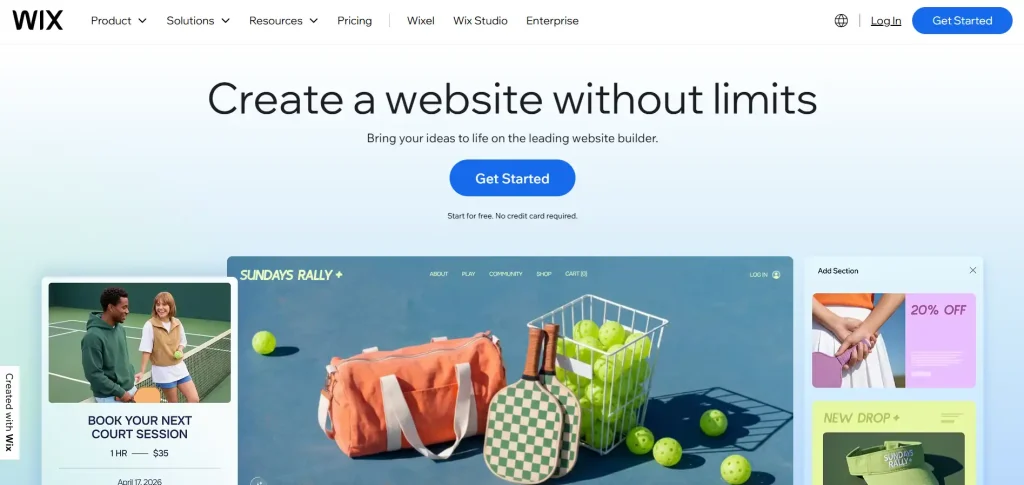
Wix online store works well for:
- Small businesses and freelancers
- Stores with a few products
- Users who want full control over design
Comparison: Shopify vs Wix Online Store
Both Shopify and Wix allow you to sell online, but they are built in different ways. This comparison highlights the differences that matter for store owners.
| Feature / Criteria | Shopify | Wix |
|---|---|---|
| Main Focus | Dedicated ecommerce platform primarily for online stores | Website builder with eCommerce capabilities |
| Ease of Use | Easy to use for store management, eCommerce-focused UI | Very beginner friendly with drag-and-drop design |
| Pricing (Base Plan) | Starts around $29/month (no free plan) | Free plan available; paid plans start ~$17–$36/month |
| Free Plan / Trial | Free trial (short) | Free plan (no eCommerce) + 14-day money-back guarantee |
| Transaction Fees | Fees apply if not using Shopify Payments; rates vary | No platform transaction fees (payment gateway fees apply) |
| Templates / Themes | 200+ themes (mobile optimized, fewer free options) | 900+ templates (many free) |
| Design Flexibility | Structured templates focused on conversions | Full drag-and-drop visual freedom |
| App / Integrations | Massive app ecosystem (6,000+ ecommerce-focused apps) | Fewer apps (~300–750+) |
| SEO Tools | Good built-in SEO + strong scaling options | Strong beginner SEO tools including SEO Wizard |
| eCommerce Features | Advanced: inventory & location management, shipping automation, multichannel sales | Basic to mid-level eCommerce features |
| Multichannel Selling | Excellent (Facebook, Instagram, Amazon, eBay, marketplaces) | Good, but more limited integrations |
| Product Variants | Up to 100 variants per product | Up to 6 options with fewer combinations allowed |
| Mobile Apps | Shopify mobile app + Shopify POS | Wix Owner app |
| Customer Support | 24/7 support (chat, email, phone) | Support varies by plan; callback/email/chat options |
| Best For | Growing and scaling online stores with large catalogs | Small to medium stores and content-rich websites |
Ease of Use
Shopify keeps things simple for store owners. The dashboard focuses on products, orders, customers and payments. You add products, set prices and start selling. You may need some time to learn how Shopify works, but once you understand it, daily store tasks feel smooth.
Wix is very easy for beginners. You design your store by dragging elements on the page. Text, images, buttons and sections move freely. For users who want quick results, Wix feels simple and familiar.
So, Wix is good for beginners and Shopify for long term store management.
Design and Templates
Shopify offers clean and professional themes. Many themes suit e-commerce stores and focus on product display, speed and checkout flow. Design changes stay structured. This helps keep the store clean and fast.
Wix gives more design freedom. You can place elements anywhere and customize layouts fully. This helps brands that care a lot about visual identity. Wix also offers many templates for different industries.
So, Wix is good for creative freedom, Shopify for eCommerce focused design.
E-Commerce Features
Shopify is built for selling. It includes:
- Unlimited products
- Inventory tracking
- Discount codes
- Gift cards
- Abandoned cart recovery
- Multiple sales channels
These tools help businesses manage sales efficiently.
Wix includes ecommerce basics such as:
- Product management
- Digital and physical products
- Simple inventory
- Discount options
For small stores, these features work well. But larger stores may feel limits.
Payment Options
Shopify supports a wide range of payment methods, which is one of its strongest points. Stores can offer credit and debit cards, Vipps, PayPal, Stripe, Klarna and other local solutions through integrations.
This flexibility helps stores reach more customers. However, there is an important detail to consider. If you do not use Shopify Payments, Shopify charges an extra transaction fee on each sale, in addition to the payment provider’s fee. For stores with higher sales volume, these cost can add up.
Wix supports fewer payment methods compared to Shopify, but it covers the most common options used by small and medium stores, such as, credit and debit cards, PayPal and stripe.
The main advantage of Wix is that it does not charge its own transaction fees. You only pay the standard fee from the payment provider. This makes Wix a cost friendly option that want predictable expenses.
SEO and Visibility in Google
Shopify offers strong SEO foundations that work well for ecommerce websites. It creates clean page structures, supports custom meta titles and descriptions and uses mobile responsive themes by default. Shopify stores also perform well in terms of loading speed, which helps both user experience and Google rankings.
Wix has improved its SEO features over the years and now covers most basic needs. It allows you to edit meta titles, descriptions and URLs and it offers built in SEO guidance to help beginners get started.
Wix websites are also mobile optimized which is important for local searches. For small online stores or businesses with limited content needs, Wix SEO tools are often enough. However, larger stores may find fewer advanced options compared to Shopify.
Speed and Performance
Shopify stores run on strong servers. Speed stays stable even when traffic grows. This matters for users’ experience and Google rankings. It also helps stores handle sales campaigns and high traffic periods without slowdowns.
Wix performance is good for small stores. Heavy design elements can affect speed if not handled carefully. Store owners need to keep layouts clean to maintain fast loading times.
Clear shipping information builds confidence and reduces support questions. If you offer free shipping for orders over a certain amount, mention it clearly.
If you work with local carriers, explain delivery expectations in simple terms. It also helps to place shipping and returns details close to the buy button or in a visible section on the product page.
When customers do not need to search for this information, they feel more secure and are more likely to complete their purchase without hesitation.
Apps and Integration
Shopify has a large app store. You can add tools for:
- Marketing
- Email campaigns
- Accounting
- Shipping
- Dropshipping
Wix offers fewer apps. Many basic features are built in that help beginners. But advanced tools are limited.
Pricing Comparison
Shopify plans start with a monthly fee. It starts at $29 per month, while Wix includes a free domain for the first year. Because of this, the price difference between the two is very small. Wix also has a free plan, but it shows ads on your website.
For the best value, Wix’s annual plan is a good choice. It has the lowest total cost, which is helpful for new online stores. Wix is also flexible, so you can upgrade as your business grows.
Scalability and Growth
Shopify supports growth. You can add more products, languages, currencies and sales channels without changing platforms. This makes it a strong choice for businesses that plan to expand beyond the target market.
Wix works best for small and medium size stores. Large product catalogs can feel harder to manage. As the store grows, daily management may take more time and manual effort.
Customer Support
Customer support matters when you run an online store. Issues with payments, orders or settings can affect sales, so quick help is important. Shopify offers 24/7 support via chat, email and a detailed help center. This gives store owners peace of mind, especially during busy sales periods.
You can get help at any time, which is useful for stores that receive orders outside normal working hours. Wix offers support through tickets and help articles.
The support resources are helpful for common issues, but response time may vary depending on the request. This setup works well for smaller stores that do not need urgent assistance often.
Build an Online Store with Nettsidedesign.no
Shopify vs Wix online store is not only about features. It is about choosing a platform that supports your business goals, budget and long term plans. A well built store helps you attract customers, build trust anf convert visitors into buyers.
Nettsidedesign.no helps businesses to design and develop online stores. Our team focuses on speed, usability and results. Contact us and let us help you build an online store that supports your next step.
Key Takeaways
- Shopify and Wix both help you sell online.
- Shopify is better for stores that want long term growth.
- Wix works well for small businesses and new stores.
- Shopify offers strong tools for managing products and sales.
- Wix gives more freedom to design your store layout.
- Shopify supports many payment methods.
- Shopify may charge extra transaction fees on sales.
- Wix has fewer payment options but no extra fees.
- Shopify handles large product catalogs and high traffic well.
- The right platform depends on your budget and goals.
FAQs
Can I switch from Wix to Shopify later?
Yes, you can move from Wix to Shopify, but it takes planning. Products and content need to be transferred carefully.
Do I need a developer to manage a Shopify or Wix store?
No, both platforms are easy to manage. A developer helps when you need custom features.
Can I use my own domain with Shopify and Wix?
Yes, both platforms allow you to connect a custom domain.
Is Wix good for dropshipping?
Wix supports dropshipping, but Shopify offers more tools and integrations.
Can I connect social media shops?
Yes, both platforms support selling on social media platforms.